Affordable HR Software for Small Business: Quality on a Budget
October 5, 2026 | By Gopareto Marketing
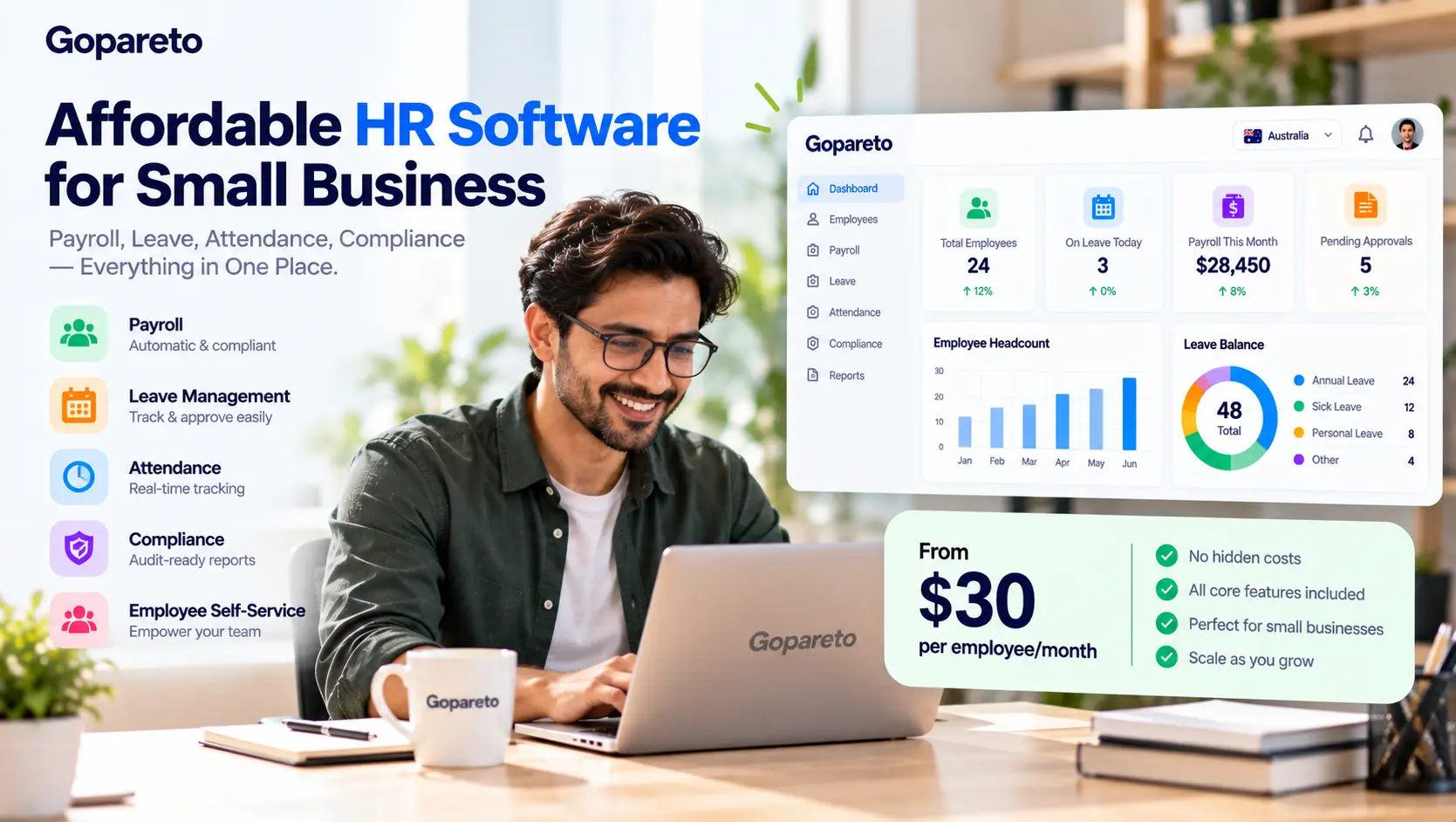
“We’re too small for HR software” is one of the most common things small business owners say—usually while spending several hours a week on payroll spreadsheets, leave emails and attendance sheets.
Affordable HR software does exist. The difficulty is that “affordable” is hard to judge from a pricing page. A low headline price can hide setup fees, paid add-ons and the time you’ll still spend stitching tools together. A higher price can turn out cheaper once you count everything it replaces.
This guide shows you how to judge affordability properly: how HR software is priced, which features are worth paying for, where hidden costs hide, and how to work out whether a tool actually saves you money.
What “Affordable” Really Means
Affordable is not the same as cheap. For a small business, affordable HR software is a tool whose total cost—subscription plus everything around it—is clearly lower than what you spend doing the same work without it.
Genuinely affordable
- Core HR, leave, attendance and payroll included in the price
- Clear pricing that scales predictably with headcount
- Setup you can do yourself, or onboarding included
- Support included, not sold per call
- Your data exportable at any time
Cheap but costly
- Low base price, but payroll or attendance sold separately
- Per-pay-run or per-payslip charges on top
- Mandatory paid implementation
- Local compliance missing, so you still need a bookkeeper to fix it
- Fees to export your own data when you leave
How HR Software Is Priced
Most products use one of four models, often in combination. Knowing which one you are looking at is the first step to comparing quotes fairly.
| Pricing model | How it works | Watch out for |
|---|---|---|
| Per employee per month | A fixed amount for each active employee | Minimum seat counts; whether contractors and leavers are counted |
| Base fee plus per employee | A platform fee, then a smaller charge per head | The base fee dominates for very small teams |
| Modular | Core HR, then payroll, attendance and leave priced as add-ons | The “from” price rarely includes what you need |
| Flat tier | One price up to a headcount band | Jumps in price when you cross a band |
Use current quotes, not article figures
HR software pricing changes often and varies by country, currency and plan. Treat any figure you read online—including in comparison articles—as a starting point, and get a written quote for your actual headcount before deciding.
Features Worth Paying For
On a tight budget, spend on the features that remove recurring work or legal risk. Defer the ones that are pleasant but optional.
Pay for these first
- Payroll with local tax and statutory deductions built in
- Leave management with automatic accruals
- Attendance or timesheets that feed payroll directly
- Employee self-service for payslips and leave
- Compliance reporting for your country
- Secure employee records with an audit trail
Usually fine to defer
- Full learning management systems
- Advanced performance and 360° review suites
- Applicant tracking, if you hire a few people a year
- Benefits administration you don’t offer yet
- Custom branding and advanced analytics
The “pay for these first” list is essentially the case for bundled software: these features are most valuable when they share data. Our article on why bundled HR, attendance and payroll wins explains the reasoning.
Compliance Is Where Cheap Software Gets Expensive
The most expensive HR software is the one that gets pay wrong. When you compare budget options, check that statutory rules for your country are handled automatically, not left to you.
| Country | What the software should handle |
|---|---|
| Australia | PAYG withholding, 12% Superannuation Guarantee, Payday Super (super due within 7 days of payday from 1 July 2026), STP Phase 2, modern award rates and NES leave |
| India | PF (12% + 12%), ESI (0.75% + 3.25% up to ₹21,000 a month), TDS, professional tax, gratuity and Loss of Pay, aligned with the Labour Codes in force from 21 November 2025 |
| UAE | WPS salary payments, end-of-service gratuity, and leave under Federal Decree-Law No. 33 of 2021 |
A tool missing these isn’t cheaper; it just moves the cost to your accountant, or to a back-pay bill later. Our guide to preventing payroll errors in small business shows where those costs come from.
Hidden Costs to Ask About
Setup and implementation
Is onboarding included, or is there a one-off implementation fee? Is it mandatory?
Paid modules
Is payroll, attendance or leave an add-on? Price the bundle you actually need, not the entry tier.
Usage charges
Are there fees per pay run, per payslip or per off-cycle payment? These add up with weekly or fortnightly pay.
Support tiers
Is phone or chat support included, or reserved for a premium plan?
Data migration and exit
Is importing your history charged? Can you export everything, free, if you leave?
Contract length
Is the price conditional on a multi-year term? What happens at renewal?
Work Out Your Real Cost
To compare options fairly, build the same cost picture for each—including your current setup, even if it’s spreadsheets.
Add up every subscription
HR, payroll, attendance, rostering, invoicing and any connectors. Use your real headcount and pay frequency.
Add one-off costs, spread over a year
Setup, migration and training. Divide by twelve so they compare with monthly fees.
Cost the admin time
Time each pay run, leave approval cycle and month-end. Multiply hours by a realistic hourly cost for whoever does the work.
Include error correction
Look back over the last year: how many pay corrections, back-payments or late lodgements did you have, and how long did each take to fix?
Illustration: if reconciling timesheets with payroll takes 3 hours each fortnight and that time costs your business A$60 an hour, that one task costs about A$4,700 a year—before any errors. Put your own numbers in; the point is that admin time is usually the largest line.
Getting More Value From What You Buy
- Switch everything on. Self-service and leave workflows only save time if staff actually use them.
- Retire old tools. Cancel the spreadsheet, the separate leave app and the timesheet tool once data flows.
- Automate accruals and calculations. Stop maintaining formulas by hand.
- Run compliance reports monthly. Finding problems early is far cheaper than finding them in an audit.
- Ask about annual billing. Many vendors discount annual payment; confirm the cancellation terms first.
- Ask about startup or non-profit pricing. Some vendors offer it; it never hurts to ask.
Self-service in particular pays back quickly; see how self-service portals reduce HR questions.
Questions to Ask Before You Sign
Affordability checklist
- What is the total monthly price for our headcount, with payroll, leave and attendance included?
- Are statutory calculations for our country built in and kept up to date?
- Which costs are one-off, and which recur?
- Is support included, and how do we reach it?
- Can we trial it with our own employees and pay rules?
- Can we export all our data, free, at any time?
- What is the minimum contract term?
If you are weighing specific products, our comparisons may help: alternatives when Deputy feels too expensive, what you need when BambooHR doesn’t run your payroll, and simpler alternatives to Odoo.
Frequently Asked Questions
Free tools can work for basic records and leave for very small teams, but they rarely include local payroll and compliance. Check what you’ll still have to do by hand.
Per-employee pricing suits teams that change size; flat tiers suit stable teams. Model both at your headcount today and in two years.
Usually when the admin time and errors it removes cost more than the subscription. For most teams with regular payroll, that happens early.
Only if each is cheap and the connections are reliable. Separate tools often cost more once you count reconciliation time.
Conclusion
Affordable HR software is less about the lowest sticker price and more about total cost. The best-value option for most small businesses covers payroll, leave, attendance and compliance in one price, needs little setup, and removes the hours you currently spend moving data between tools.
Get real quotes, cost your own admin time honestly, and choose the tool that makes the whole picture smaller.
Ready to get HR done on a small-business budget?
How GoPareto Helps
- HR, leave, attendance, payroll and payslips in one platform rather than several subscriptions
- Statutory payroll for Australia, India and the UAE built in
- An employee self-service portal that cuts routine HR questions
- Invoicing, tasks and timesheets for service businesses, in the same system
Visit Us
GoPareto - Simple & Complete Business Management solution, Omkar Nandan Apartment, A1 201, near Navale Bridge, Kudale Baug, Narhe, Pune, Maharashtra 411041.
Related Blogs