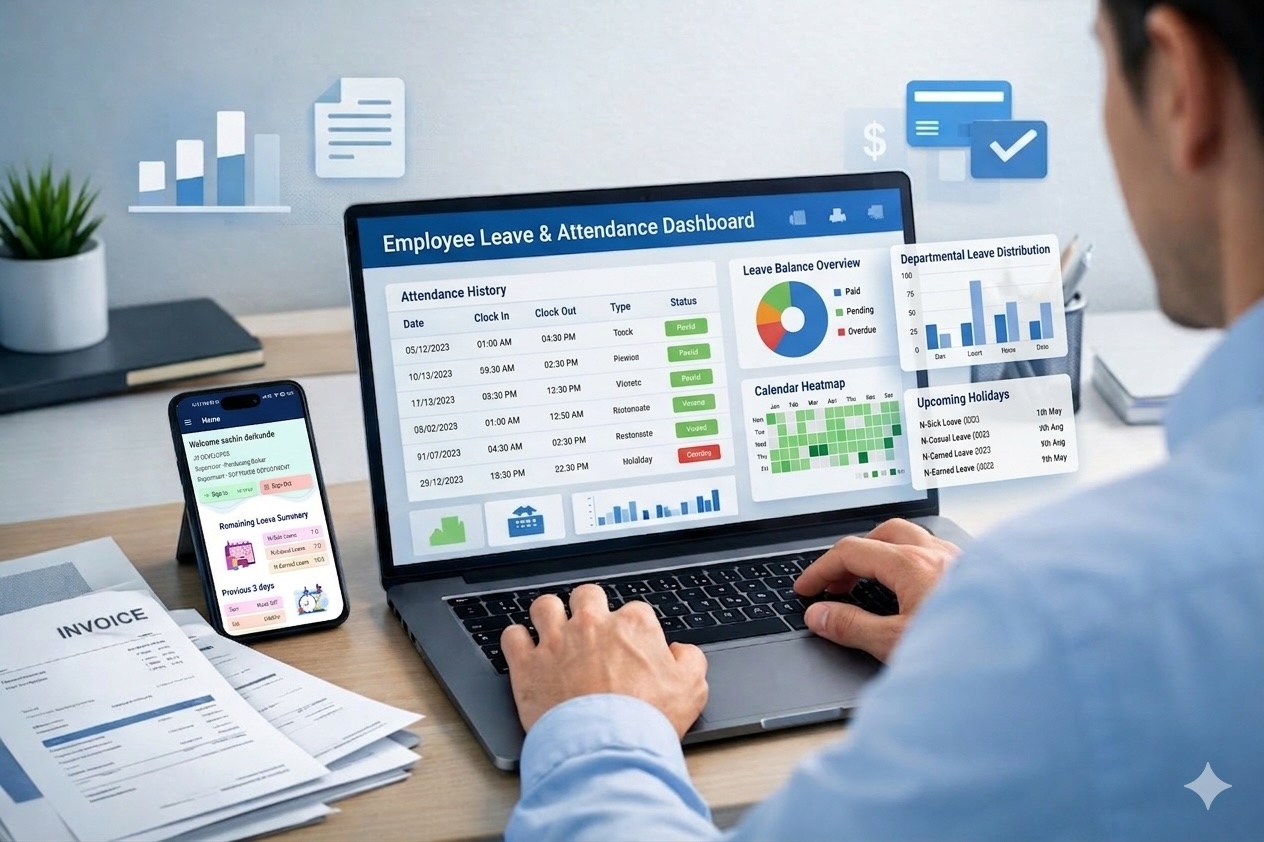
How to Track Attendance for Remote Teams: Systems That Actually Work
August 8, 2026 | By Gopareto Marketing

Here's the honest truth about remote work: it created a strange problem for business owners. You can't see your team, so how do you know they're actually working? And if you can't see them, how do you track when they're working and when they're not?
Some owners respond by installing surveillance software — camera monitoring, keystroke loggers — treating professionals like prisoners. That's not only terrible for morale, it's counterproductive. The best attendance tracking isn't about surveillance. It's about clear expectations, simple systems, and trust backed up with accountability. You don't need to see your team; you need to know their outputs and have systems that tell you when they're available.
1. Rethink What "Attendance" Means for Remote Work
This is the crucial mindset shift. In an office, attendance means being physically present at a desk during set hours, and presence acts as a proxy for productivity. Remote work breaks that proxy. Attendance now means:
- Being available during agreed working hours
- Communicating status and availability
- Delivering agreed outputs on time
A team member might work 9 to 5, or 10 to 6, or take a two-hour lunch and make it up later. What matters is that they deliver, respond to messages and are clear about availability. If you're measuring "time at desk" for a remote team, you're measuring the wrong thing. You're not tracking surveillance — you're creating a system where people confirm availability, communicate absence and log what they're working on.
2. Set Clear Expectations About Availability
Before you implement any system, be explicit with your team.
Define your working hours. Do you expect everyone available 9 to 5 IST? Are hours flexible? Do people work shifts because of time zones? Write it down and make sure everyone understands what "available" means for their role.
Define communication requirements. How often should people check messages? What's the expected response time for something urgent? What's the protocol for stepping out for an appointment or a long lunch? Most remote teams benefit from a core-hours policy — everyone available from, say, 10 AM to 2 PM, with the rest of the day flexible. That creates overlap for collaboration while preserving flexibility.
Define how absence is communicated. Should people update their chat status, post in a shared channel, mark a calendar, or log it in the attendance system? Be specific, make it easy, and automate it where you can.
3. Choose the Right Attendance System
There are broadly three approaches. Pick based on your team size and culture.
Self-reporting. Your team logs in each morning to confirm availability and logs out at the end of the day. No keystroke tracking, just a daily confirmation. This works with a shared sheet, a simple time-tracking app, or the clock-in feature in your HRMS. It needs a culture of honesty — and if someone isn't logging accurately, missed deliverables will tell you quickly. It's the least invasive option, which teams appreciate.
Automated logging. Availability is inferred from system activity, location or calendar status rather than manually entered. Calendar integrations, chat-status tracking and geofencing fall into this category. It's passive, and better suited to answering "what is the team's overall availability?" than to individual scrutiny.
Hybrid. Combine a daily check-in with output tracking and regular one-to-ones. This gives you visibility into both attendance and productivity, and it's the approach most accountable remote teams settle on. A cloud attendance system paired with task management covers both halves.
4. Set Up Your Attendance Process
Daily check-in (5 minutes). Each morning, team members log into the attendance system, confirm they're available and note any periods they'll be away. Quick, non-invasive, and it establishes a clear record.
Status updates (continuous). Through the day, people keep status visible — available, in a meeting, on a break, offline — along with calendar blocks and what they're working on in your project tool. That gives you real-time availability when something urgent lands.
End-of-day summary (2–3 minutes). Team members log off and optionally note what they completed, what's next and any blockers. This creates continuity and gives you a productivity signal that has nothing to do with surveillance.
Weekly attendance review. Once a week, scan the previous week: who was consistently available, where were the unexplained gaps, and are there patterns worth addressing? Ten minutes. You're spotting trends, not micromanaging.
5. Handle Time Off Properly
Plan time off in advance. Encourage at least a week's notice for planned leave. The team member notifies their manager, updates their calendar, marks it in the attendance system and confirms coverage.
Handle unexpected absences. For illness or emergencies, the expectation is immediate notification, a status update in the system, the manager recording it as unplanned or sick leave, and documentation if the absence extends beyond a few hours.
Track leave balances. If you offer annual, sick or personal leave, everyone should be able to see their entitlement, usage and expiry. This is exactly what a leave management system automates — and it removes the end-of-year surprises.
6. Monitor Productivity, Not Surveillance
The difference matters. The surveillance approach installs screenshot and keystroke tooling on the assumption you'll catch slacking. The productivity approach defines clear outputs and deadlines, reviews work regularly and uses one-to-ones to surface blockers.
Surveillance creates resentment, kills trust and doesn't guarantee anything — someone can look busy and accomplish nothing, while someone else is offline for an hour and delivers three times more. Assign clear work, check in regularly, review output and quality, and address consistent under-delivery directly. It takes more management skill than monitoring software, but it builds a team that lasts.
7. Handle Time Zones for Distributed Teams
If your team spans time zones, attendance gets more complex. Define shift hours per location rather than forcing one clock on everyone — the India team on IST, Singapore on SGT, Australia on AEST — and treat each team's working hours as their availability window.
Then define overlap hours where multiple zones are online, and reserve those for team calls and critical decisions. Outside overlap, people work independently and communicate asynchronously. Your system should support different expected hours per team member based on their zone; without that, every report looks like an attendance problem when it isn't.
8. Build Automated Reminders and Reports
Use your tools to automate the boring parts:
- Daily reminders just before start of day: "please check in if you haven't already"
- Absence alerts flagging anyone who hasn't checked in by a set time, notifying their manager
- Weekly reports covering team attendance, time off taken, unexplained absences and monthly trends
- Monthly leave balance reports so nobody discovers they've run out of leave at the worst moment
None of this requires manual effort once configured, and it gives you visibility without a single intrusive tool.
9. Common Mistakes in Remote Attendance Tracking
Surveillance over management. Screenshots and keystroke logs destroy trust and, in many jurisdictions, raise legal problems. If you don't trust your team, the issue is hiring or management, not tooling.
Tracking time instead of output. Logging someone "at desk" from 9 to 5 while their project slips means you measured the wrong thing.
Overcomplicated systems. A form with 15 fields that takes 20 minutes won't be used correctly. Keep it to available or unavailable.
No accountability for absence. If patterns of lateness go unaddressed, people conclude nobody cares and stop checking in at all.
Treating remote like office. Office attendance rules imposed on remote work create friction without producing information. Define what remote work actually requires instead.
10. Build a Culture of Trust
The model that works is straightforward: you trust your team, give them clear goals and deadlines, check in on progress, review work and help remove blockers. In return they're honest about their time, communicate when they're unavailable and deliver what they commit to.
That requires hiring self-motivated people, setting explicit expectations about what's required and what's negotiable, managing actively through regular conversations rather than suspicion, and genuinely offering flexibility for appointments, breaks and unusual hours as long as the work gets done. The strongest remote teams have less attendance tracking in the surveillance sense and far more communication and accountability.
Conclusion: Your Remote Attendance Setup
Define expectations for working hours, availability and absence communication. Choose one simple system and stick with it. Set up the rhythm: daily check-in, visible status, end-of-day summary, weekly review. Automate reminders and reports. Measure output rather than hours logged. And build trust through clear expectations plus real accountability.
Remote work isn't about trusting blindly — it's about creating systems where trust is earned and accountability is clear. GoPareto gives you real-time availability, automated check-in and check-out, leave balances and productivity reporting in one platform, without invasive monitoring.
Frequently Asked Questions (FAQs)
1. How do you track attendance for a remote team without micromanaging?
Use a light daily check-in and check-out, visible status during the day, and output reviews. Measure availability and delivery rather than screen activity.
2. Is employee monitoring software a good idea for remote teams?
Generally no. Screenshot and keystroke monitoring damages trust, invites legal risk and doesn't reliably indicate productivity. Clear deliverables and regular check-ins work better.
3. How do you handle attendance across multiple time zones?
Set expected working hours per location, define overlap hours for collaboration, and configure your attendance system to evaluate each employee against their own zone.
4. What should a remote attendance policy include?
Working and core hours, expected response times, how to communicate planned and unplanned absence, leave application and approval steps, and how attendance is recorded.
5. How does GoPareto track remote attendance?
Employees check in and out from web or mobile, managers see live availability and leave status, and automated reports cover attendance trends, absences and leave balances for any period.
Visit Us
GoPareto - Simple & Complete Business Management solution, Omkar Nandan Apartment, A1 201, near Navale Bridge, Kudale Baug, Narhe, Pune, Maharashtra 411041.
Related Blogs