Odoo Too Complex for Your SMB? Here’s a Better Alternative
October 8, 2026 | By Gopareto Marketing
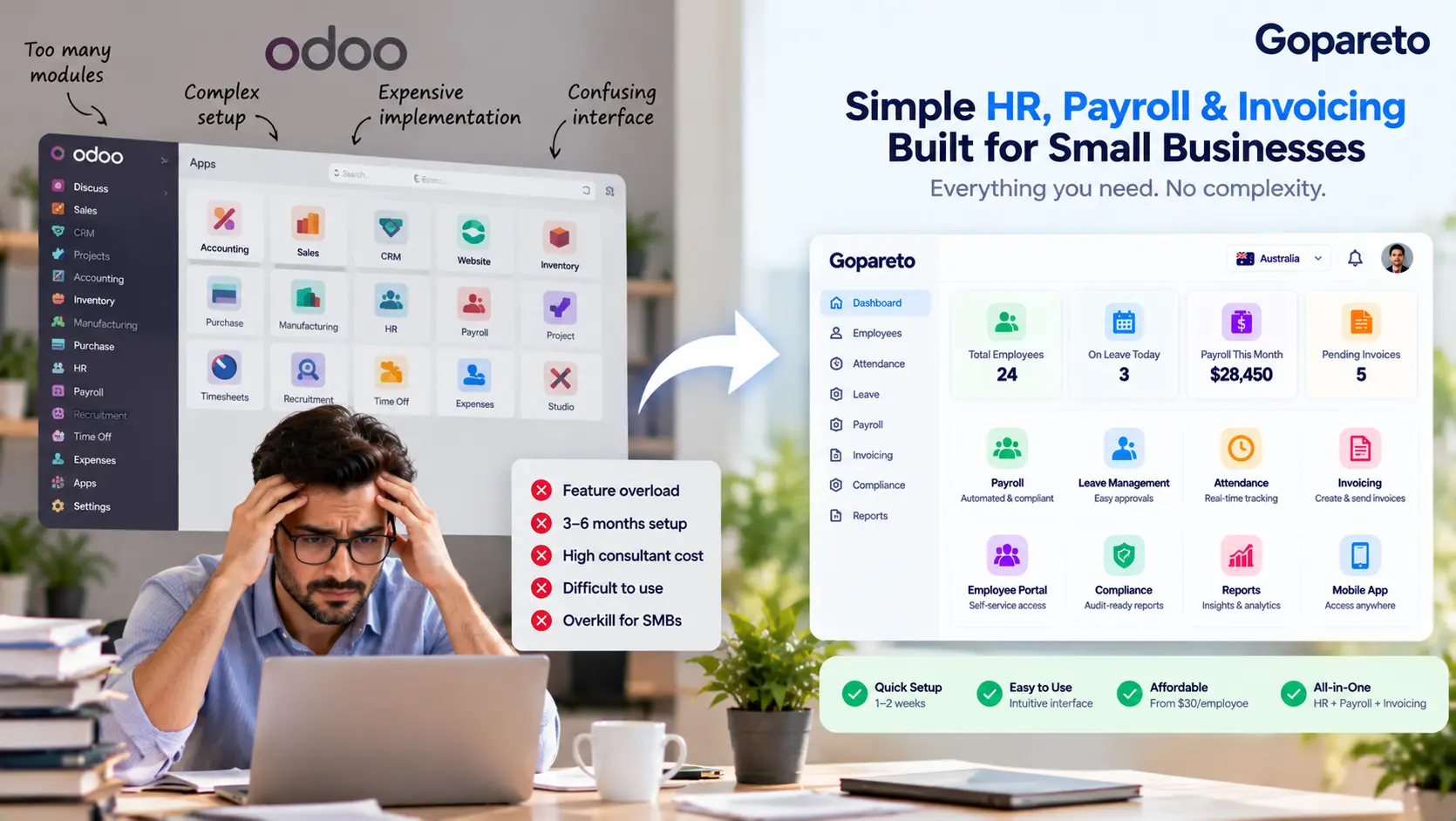
Odoo is an impressive piece of software. It can run your accounting, CRM, inventory, website, manufacturing, projects and HR from one database, and its open-source roots mean almost anything can be customised.
That flexibility is exactly why some small businesses end up frustrated with it. They wanted to manage leave, attendance and payroll for twenty people, and they ended up running an ERP project: choosing apps, configuring localisations, commissioning custom modules and planning upgrades.
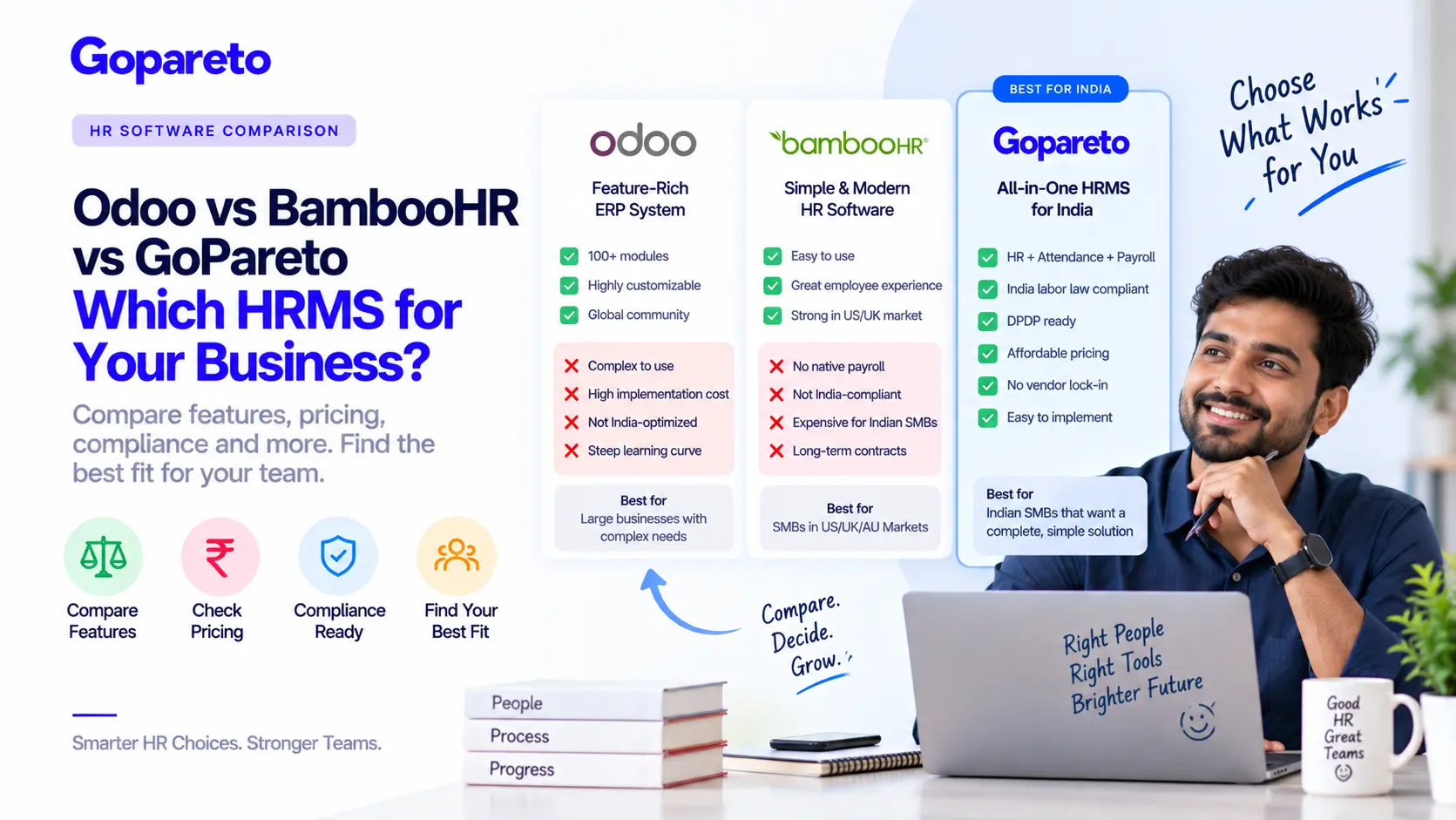
If that sounds familiar, this guide is for you. We’ve already compared Odoo, BambooHR and GoPareto feature by feature. Here we focus on the complexity itself: where it comes from, how to tell whether it’s costing you, and what your options are—including simplifying Odoo rather than leaving it.
What Odoo Does Well
It’s worth starting with Odoo’s strengths, because for the right business they are real.
- One database across sales, stock, accounting and HR
- A very wide range of apps, from CRM to manufacturing
- Deep customisation through its framework and Studio
- A free, open-source Community edition
- Hosted, Odoo.sh and self-hosted deployment choices
- A large global partner and developer community
If your business genuinely needs stock, manufacturing, e-commerce and accounting to share data with HR, Odoo can be an excellent choice. The complexity is the price of that breadth.
Where the Complexity Comes From
“Odoo is complex” is too vague to act on. In practice the complexity comes from five specific places, and knowing which ones affect you tells you what to fix.
App sprawl
HR alone touches several apps—Employees, Time Off, Attendances, Payroll, sometimes Planning and Timesheets—each with its own settings. Install a few more and the menus multiply.
Payroll localisation
Payroll depends on country-specific rule packages. Coverage and depth vary by country and edition, so statutory rules may need configuration or partner work before pay is right.
Customisation
Because almost anything can be changed, many implementations are changed a lot. Every custom field, report or module becomes something you own and maintain.
Version upgrades
Odoo releases a new major version roughly once a year. Standard data can be upgraded, but custom modules typically need to be migrated and tested each time.
Partner dependence
Many SMBs implement through an Odoo partner. That brings expertise, but also ongoing reliance on someone else to change or fix your setup.
Edition choices
Community, Enterprise, Odoo Online, Odoo.sh and self-hosting each change what’s available and who maintains it. The decision is rarely obvious to a non-technical owner.
A note on cost
Odoo’s licence pricing is competitive, and the Community edition is free. The total cost depends mostly on implementation, customisation, hosting and upgrade work, which vary enormously between projects. Get a full quote—licences plus partner and maintenance costs—rather than comparing licence fees alone. Pricing and edition features change, so check current details with Odoo.
Signs Odoo Is Too Complex for Your Business
Day to day
- Managers approve leave by email because the app is “too fiddly”
- Payroll is checked in a spreadsheet after Odoo calculates it
- Only one person knows how to run a pay slip batch
- Employees don’t log in to the portal at all
Over the year
- Simple changes need a partner ticket
- You are one or more major versions behind and nervous about upgrading
- You use a handful of apps out of the many installed
- Statutory changes arrive and you aren’t sure Odoo has them
That last point matters more than it used to. Australia’s Superannuation Guarantee reached 12% in July 2025 and Payday Super began on 1 July 2026; India’s four Labour Codes took effect on 21 November 2025, changing wage definitions for PF and gratuity. A payroll setup you can’t update confidently is a compliance risk.
Option 1: Simplify Odoo
Leaving is not the only answer. If Odoo runs your sales, stock or accounting well and only HR feels heavy, try slimming it down first.
Simplification checklist
- Uninstall apps nobody uses, and hide menus users don’t need
- Review every customisation: keep, replace with standard features, or remove
- Set user access so each role sees only its own screens
- Document the payroll process end to end, including manual checks
- Agree an upgrade plan with your partner before you fall further behind
- Train managers on the two or three tasks they actually do
If, after this, HR and payroll still need constant help, the problem is probably fit rather than configuration.
Option 2: Move HR and Payroll to a Focused Platform
For most service businesses with fewer than fifty employees, the core need is a handful of connected jobs: employee records, leave, attendance, payroll, payslips and perhaps invoicing for billable time. A focused HR platform is built around exactly that.
| Consideration | Odoo (as an ERP) | Focused HR and payroll platform |
|---|---|---|
| Scope | Whole business: sales, stock, accounting, HR and more | People operations: HR, leave, attendance, payroll |
| Setup | Choose and configure apps; often partner-led | Mostly configuration of policies and pay rules |
| Payroll compliance | Depends on country localisation and edition | Built for specific countries; ask which |
| Customisation | Almost unlimited, but you maintain it | Limited, but maintained by the vendor |
| Upgrades | Major versions need planning and testing | Updates delivered by the vendor |
| Learning curve | Steeper; depends on how much is installed | Usually shorter for non-technical users |
| Best for | Businesses needing integrated ERP | SMBs whose main need is people and pay |
You don’t have to choose all or nothing. Some businesses keep Odoo for inventory or accounting and run HR and payroll on a dedicated platform, passing payroll totals across for the ledger. Ease of use is worth testing directly; our guide to HR software that’s actually easy to use lists what to check in a trial.
Option 3: Stay With Odoo
Odoo remains the right call if you genuinely use its breadth:
- Stock, manufacturing or e-commerce need to share data with HR and accounting
- You have in-house technical capability, or a partner relationship that works well
- Your customisations are business-critical and difficult to replace
- Your payroll localisation is mature and tested in your country
Moving HR and Payroll Out of Odoo
Export employee data
Employee records, contracts, salary details and bank, tax and fund information. Clean duplicates and archived employees first.
Agree leave balances
Run allocation and balance reports for every employee and sign them off as opening balances.
Carry over year-to-date pay
Year-to-date earnings, tax and statutory contributions are needed for year-end reporting such as STP finalisation or Form 16.
Run payroll in parallel
Process at least one pay in both systems and compare every line before you switch.
Keep Odoo records accessible
Archive historical HR and payroll data for your statutory retention period, read-only.
Reconnect accounting
If Odoo stays as your ledger, agree how payroll journals will reach it from the new platform.
Frequently Asked Questions
No. It suits small businesses that need ERP breadth. It is often a poor fit for those that mainly need HR and payroll.
The Community edition is free and open source. Enterprise features, hosting, implementation and support usually cost money. Check current pricing with Odoo.
Yes. Many businesses keep Odoo for accounting or inventory and run people operations on a dedicated HR platform.
Past implementation spend is gone either way. Decide on the future costs and effort of each option, not on what has already been paid.
Conclusion
Odoo’s breadth is a strength when you need it and a burden when you don’t. If your real requirement is managing people and paying them correctly, a focused platform will usually be quicker to run, easier for managers and staff, and simpler to keep compliant.
Start by naming where your complexity comes from. If it’s configuration, simplify Odoo. If it’s fit, move HR and payroll somewhere designed for them. For a wider view of the market, see our Odoo vs Deputy vs Xero vs GoPareto comparison and our guide to affordable HR software for small business.
Ready for HR software that stays simple?
How GoPareto Helps
- HR records, leave, attendance and payroll in one focused platform, without ERP modules to configure
- Payroll compliance for Australia, India and the UAE maintained by us, not by custom code
- A simple interface managers and non-technical staff can use from day one
- Timesheets, tasks and invoicing for service businesses when you need them
Visit Us
GoPareto - Simple & Complete Business Management solution, Omkar Nandan Apartment, A1 201, near Navale Bridge, Kudale Baug, Narhe, Pune, Maharashtra 411041.
Related Blogs