How to Reduce HR Questions with Self-Service Portals
September 29, 2026 | By Gopareto Marketing
“When do I get paid?” “How many days of leave do I have left?” “Can you resend my payslip?” “How much super was paid for me last month?” If you run HR for a small or growing business, you answer some version of these questions every single day.
Each one only takes a few minutes. But they arrive constantly, through email, chat and corridor conversations, and each one pulls you away from work that actually needs your judgement. When you’re rushed, mistakes creep in: someone is quoted the wrong leave balance, or a payslip goes to the wrong inbox.
An employee self-service portal fixes the root cause. Employees look up their own information whenever they need it, from a single source that is always current, and HR gets its focus back. This guide explains what a self-service portal should include, how to roll one out, and how to measure whether it is actually reducing HR questions.
The Hidden Cost of Answering the Same Questions
Most routine HR questions are requests for information the business already holds. Nobody needs a decision; they just need the data.
| Common question | What HR has to do | Where the answer already lives |
|---|---|---|
| “Can I get my payslip?” | Find the file, check the address, email it | Payroll system |
| “How much leave do I have?” | Look up accruals, subtract approved leave | Leave records |
| “What tax was taken out?” | Open the payslip and explain each line | Payslip breakdown |
| “Was my super paid?” | Check contribution records for the period | Payroll and super records |
| “What’s the policy on…?” | Find the handbook section, send it | Policy documents |
| “When’s the next public holiday?” | Answer the same question many times in one week | Holiday calendar |
Multiply a few of these per employee per week across a team of 20 or 30 and the time adds up to several hours a week of pure lookup work. The time is only part of the cost, though.
Inconsistent answers
- Different people get slightly different answers depending on who they ask and when
- A wrong leave balance becomes a dispute later
No record of what was said
- “You told me I could take that leave” is hard to verify
- Answers given in chat or in person leave no audit trail
Scattered channels
- Requests arrive by email, chat apps and in person
- Things slip through the cracks and follow-ups multiply
HR becomes a bottleneck
- Employees wait for answers before booking leave or applying for a loan
- Question volume grows in step with headcount
What a Self-Service HR Portal Actually Does
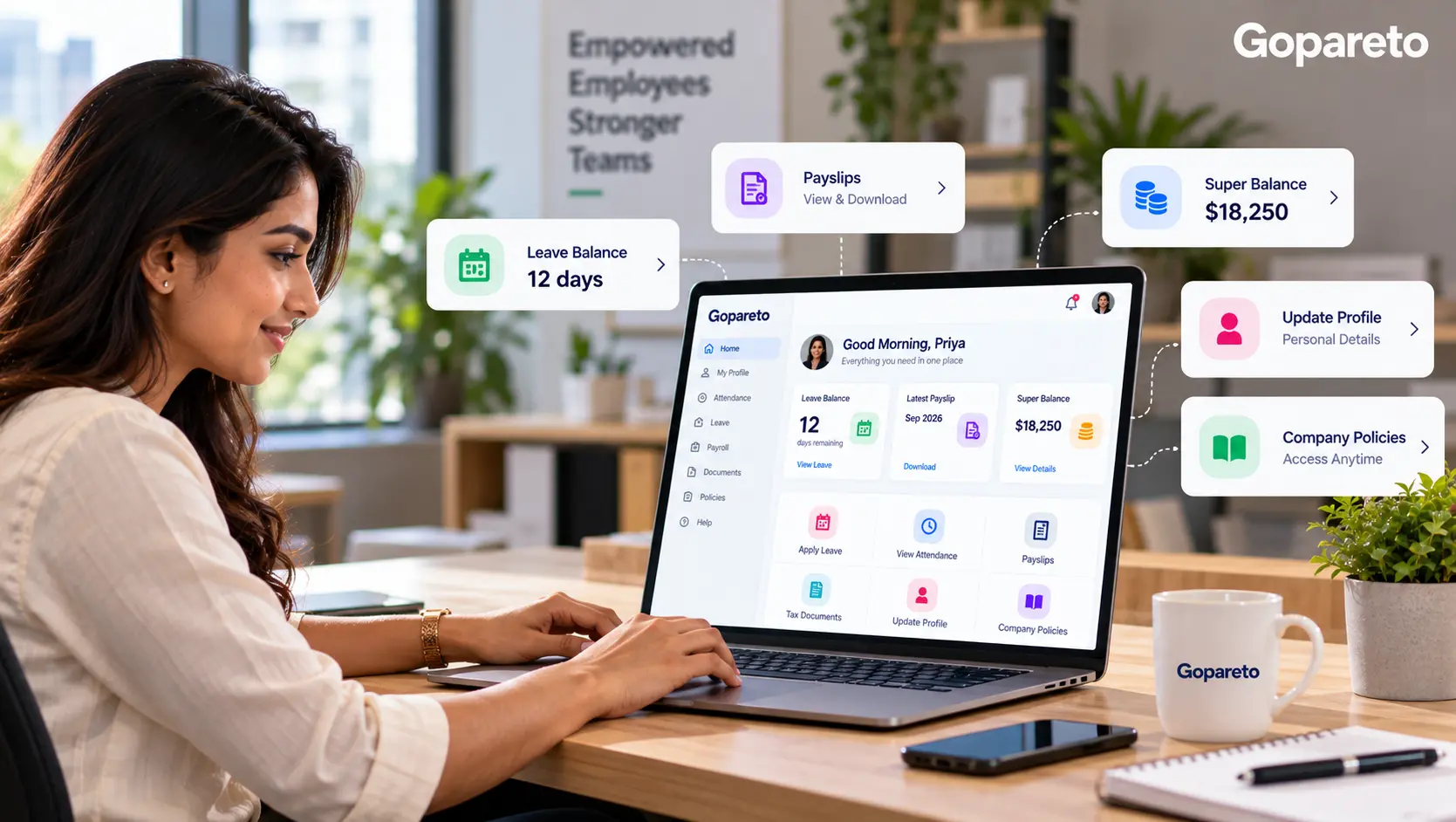
A self-service portal is a secure online space where each employee logs in to see their own HR and payroll information, and to complete simple tasks such as requesting leave. A good one covers four areas.
Pay and tax
- Current and past payslips, downloadable at any time
- A clear breakdown of gross pay, tax withheld and other deductions
- Retirement contributions recorded for each pay period
- Year-end tax documents where the employer issues them
Leave and attendance
- Accrued, taken and remaining balances for every leave type
- Leave requests that route automatically to the right manager
- Status of pending and approved requests
- Attendance and timesheet history
Personal details
- Address, phone number and emergency contacts
- Bank and retirement fund details (with verification)
- Employment contract and offer letter
Policies and documents
- Employee handbook and current policies
- Public holiday calendar for the employee’s location
- Policy acknowledgements and training records
A note on Australian tax documents and super
Since Single Touch Payroll, Australian employers no longer issue PAYG payment summaries for payments reported through STP. Employees get their end-of-year income statement through myGov once the employer has finalised its STP data. A portal should still show every payslip and the year-to-date figures, which is what employees usually need when they ask.
Similarly, a portal can show the super contributions the employer has paid, but not the employee’s fund balance. That sits with the super fund, so point employees there for balance questions.
What Employees Look Up Most, by Country
If you employ people in more than one country, the most-asked questions differ a little. Make sure the portal answers the local ones.
| Country | Typical self-service lookups |
|---|---|
| Australia | Payslips, annual and personal/carer’s leave balances, super contributions paid, TFN declaration and super fund choice details |
| India | Payslips, PF and ESI deductions, leave balances, Form 16 for the financial year, investment declarations for TDS |
| UAE | Payslips, annual leave balance, contract details, visa and Emirates ID expiry dates, end-of-service gratuity basis |
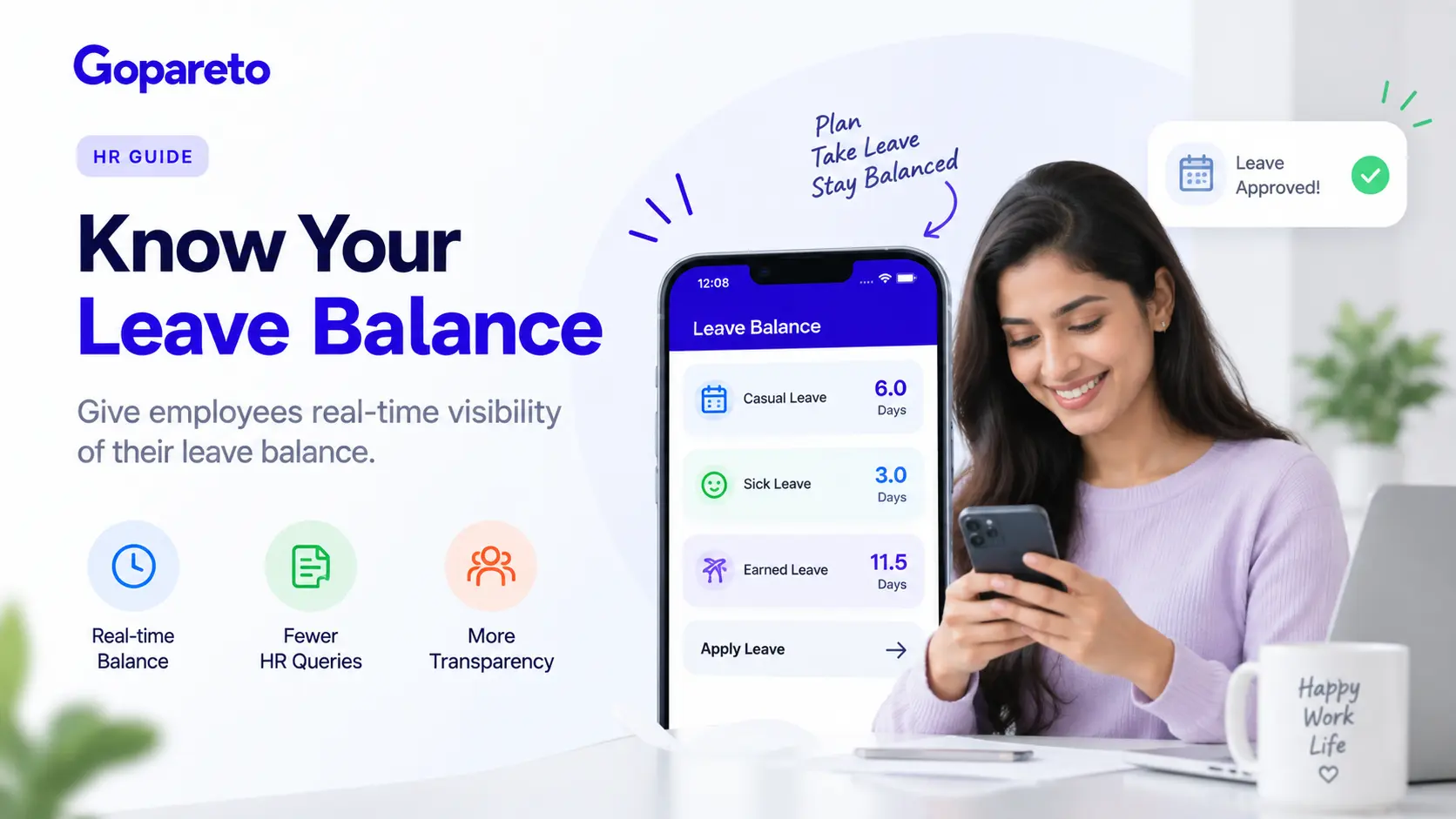
Leave balances are usually the single biggest source of questions. Our guide to tracking leave balances so employees know their entitlements covers how to make those numbers trustworthy before you expose them in a portal.
How Employees Benefit
- Instant access: a payslip for a rental or loan application in seconds, not after an email exchange
- Available any time: useful for shift workers, remote staff and anyone checking outside office hours
- Transparency: employees can see exactly where their pay went, line by line
- Privacy: sensitive details can be reviewed privately rather than asked about in person
- Consistency: everyone sees the same figures from the same source
- Autonomy: employees no longer depend on HR for basic information about themselves
Setting Up a Self-Service Portal: Step by Step
Choose the right platform
Look for a portal that draws directly from your payroll, leave and attendance data, works well on a phone, supports role-based access and strong passwords or two-factor login, and is simple enough for your least technical employee.
Decide what employees can see and edit
Map every data field into “view only”, “employee can edit”, “edit with verification” or “hidden”. Use the table below as a starting point.
Clean your data first
A portal exposes every error in your records. Reconcile leave balances, check payslip history and confirm personal details before anyone logs in.
Pilot with a small group
Create accounts for around one in five employees, including some less tech-confident staff. Run for one to two weeks, collect feedback and fix what confuses people.
Launch to everyone
Announce what’s new and why, share login steps and a one-page quick-start guide, and run a short walkthrough. Set up a single support channel for the first few weeks.
Monitor and refine
Track logins, which features are used, and which questions still reach HR. Each remaining question is a clue to what the portal should show more clearly.
What Employees Should See and Edit
| Access level | Examples |
|---|---|
| View only | Payslips, leave balances, tax withheld, contributions paid, policies |
| Employee can edit | Address, phone number, emergency contacts |
| Edit with verification | Bank account, retirement fund details, tax declarations |
| Never visible | Other employees’ pay, salary bands, management notes |
Protect bank detail changes
- Payroll redirection fraud often starts with a convincing request to change an employee’s bank account
- Require a second check, such as a confirmation to the employee’s registered phone or email, before a new account is used
- Notify the employee whenever bank details change, and keep a log of who changed what and when
Best Practices That Drive Adoption
Make the portal the default
- “You can find it on the portal” sounds optional
- “Payslips are now published on the portal” sets the expectation
- Redirect routine requests politely, with a link
Design for non-technical users
- Test with your least tech-savvy team member
- Use plain labels: “My leave”, not “Accrual ledger”
- Make sure it works on a phone
Start simple
- Launch with payslips, leave and policies
- Add documents, timesheets and other features later
Keep supporting people
- Provide access for staff without a work computer
- Share tips from early adopters
- Celebrate milestones, such as most leave requests now arriving through the portal
Measuring Whether HR Questions Are Going Down
Record a baseline for a few weeks before launch, then compare. Categorise incoming questions so you can see which types fall away.
Metrics to track monthly
- Share of employees who logged in during the month
- Routine HR requests received, by category (payslip, leave balance, policy, contributions)
- Leave requests submitted through the portal versus by email or in person
- Average time to resolve a payroll or leave question
- HR hours spent on routine lookups
- Employee satisfaction with HR responsiveness, via a short survey
What to expect: routine lookups such as payslip copies and leave balances typically drop sharply once employees trust the portal. Questions that need judgement, like a disputed entitlement or a sensitive personal situation, should still come to HR—and now you have time for them.
The same data can tell you much more than ticket counts. See how to get real-time HR insights without technical skills for turning portal and payroll data into simple dashboards.
Common Mistakes to Avoid
Launching with dirty data
- One wrong balance destroys trust in every number
- Reconcile before go-live
Running two systems in parallel
- Still emailing payslips “just in case” keeps old habits alive
- Set a cut-over date and stick to it
Showing too much, too soon
- Fifty menu items overwhelm first-time users
- Hide what employees don’t need
Ignoring security
- Shared logins and unverified bank changes create real risk
- Use individual accounts and access logs
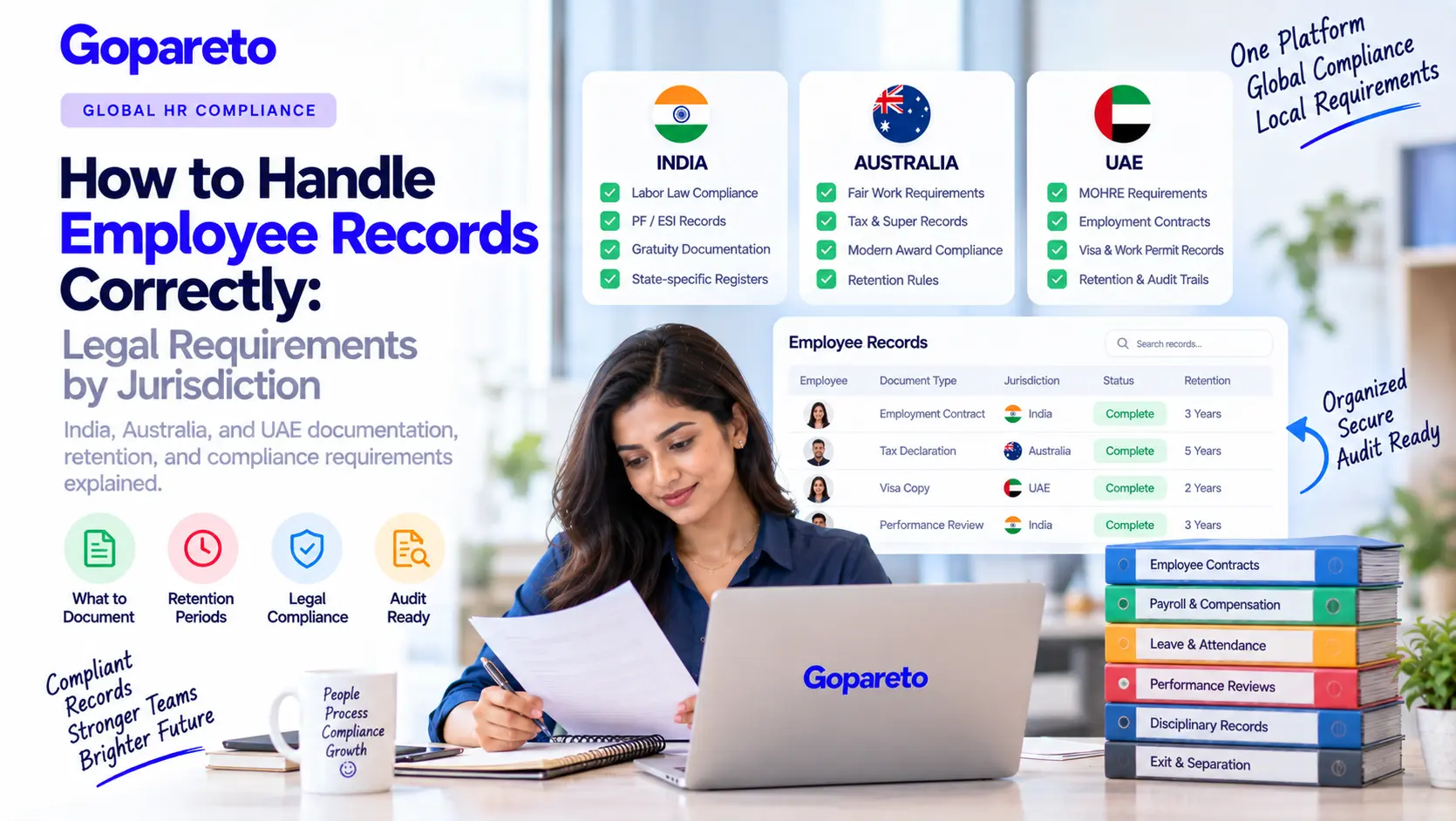
Access logs matter for compliance too: a portal that records who viewed or changed what supports the employee records requirements regulators expect, and makes it far easier to create compliance reports for audits.
Frequently Asked Questions
Yes, when it is the only place payslips and leave balances are published, it works on a phone and the data is accurate. Adoption stalls when HR keeps answering the same questions by email.
It should be more secure than email. Look for individual logins, role-based access, encryption and a log of every view and change, plus verification for bank detail updates.
Small teams often benefit most, because one person usually handles HR alongside other work. Even a team of ten generates a steady stream of payslip and leave questions.
Questions that need judgement or context: disputed entitlements, unusual pay items, personal circumstances and policy exceptions. That is the work HR should be spending its time on.
Conclusion
Most HR questions are requests for information you already have. A self-service portal puts that information in front of employees whenever they need it, from one accurate source, and leaves a record of every request and approval. Clean your data, start with payslips and leave, make the portal the default channel, and measure what still reaches HR. Within a few months, HR time shifts from answering lookups to the work that genuinely needs a person.
If your team works remotely or across locations, self-service matters even more—see our guide to managing distributed and remote teams effectively.
Ready to cut down routine HR questions?
How GoPareto Helps
- An employee self-service portal for payslips, leave balances and personal details
- Leave requests that route straight to the right manager for approval
- Payroll, leave and attendance in one system, so employees always see current figures
- Role-based access and audit trails for India, Australia and the UAE
Visit Us
GoPareto - Simple & Complete Business Management solution, Omkar Nandan Apartment, A1 201, near Navale Bridge, Kudale Baug, Narhe, Pune, Maharashtra 411041.
Related Blogs