How to Prevent Payroll Errors in Small Business: Complete System & Framework
September 14, 2026 | By Gopareto Marketing
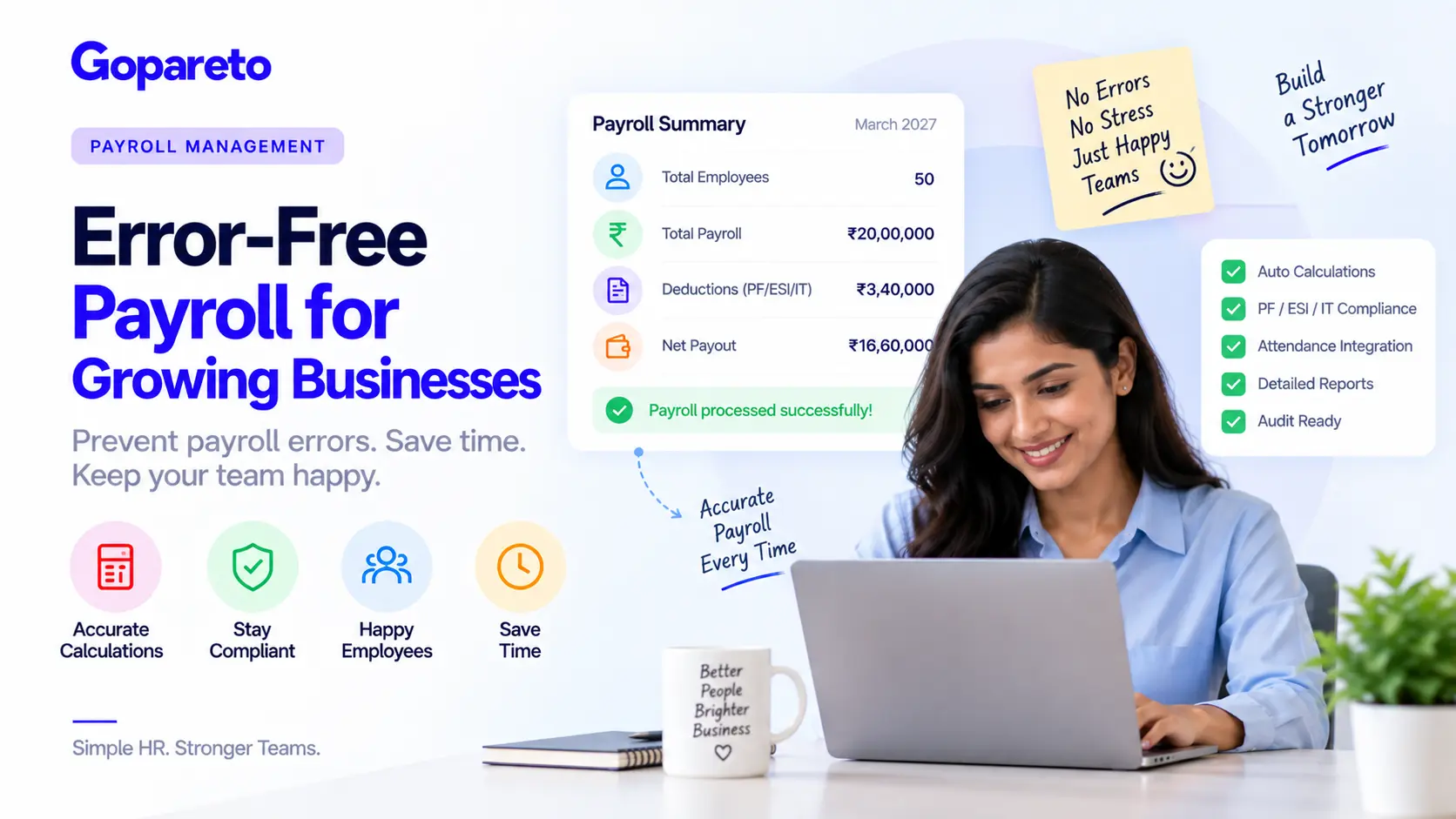
Payroll errors cost SMBs millions every year—and not just in money paid out incorrectly.
- Employee disputes and complaints
- Compliance fines from the government
- Wasted time trying to fix mistakes
- Lost employee trust
- Stress and headaches for managers
An employee’s salary is personal. Get it wrong, and you lose loyalty. Do it repeatedly, and you lose the employee.
The good news: most payroll errors are preventable with the right system.
The Real Cost of Payroll Errors
Say you have 50 employees on an average salary of ₹40,000 a month. If just one person has a payroll error:
- Immediate cost: ₹5,000–15,000 if overpaid, or negative goodwill if underpaid
- Time to fix: 2–3 hours of HR time
- Employee frustration: a complaint, possibly a resignation
- Trust damage: other employees hear about it
But a single error is the optimistic case. In reality:
What the numbers actually look like
- 2–3% of payroll has errors: missing deductions, wrong salary slab, miscalculations
- With 50 employees, that’s 1–2 people affected every month
- Annual cost: ₹1,20,000–3,60,000 in corrections plus employee turnover
And if there’s a compliance error, such as a wrong PF or ESI calculation, the bill climbs further: a government fine of ₹10,000–50,000, 20–40 hours of audit time, and back payment of the entire amount owed.
Why Payroll Errors Happen in the First Place
Root cause 1: manual calculation
- Attendance records are wrong
- A leave deduction is forgotten
- Tax calculation mistakes
- Professional tax rate applied for the wrong state
- Provident Fund ceiling exceeded (PF is capped at ₹15,000/month)
Root cause 2: constantly changing rules
- Tax slabs change every year
- ESI rates change
- Minimum wages increase
- State-specific allowances vary
- HRA calculations vary by city
Root cause 3: scattered data
- Attendance lives in one place, leave requests in another
- Salary structure sits in a spreadsheet
- Information gets lost when combining sources
- Someone forgets to update something
Root cause 4: lack of verification
- No one checks the numbers
- No comparison to the previous month
- No review of edge cases
- By the time an error is found, it’s too late
How Payroll Errors Actually Happen: Four Real Examples
Example 1: The forgotten deduction
Ravi’s salary is ₹50,000, made up of HRA ₹10,000, conveyance ₹2,400, meal allowance ₹2,000 and PF ₹1,800 employee contribution.
In June, someone processes payroll manually and forgets the meal allowance deduction. Ravi gets ₹2,000 extra. When the error is discovered in August, you have to claw back ₹4,000 across future payroll—which angers Ravi.
Example 2: The tax calculation error
Priya earns ₹35,000 and is due a raise to ₹38,000 from August. HR enters the new salary but forgets to update the tax calculation, so she’s taxed at the old rate. When income tax is reconciled in March, the company owes ₹8,000 back—and it comes out of the accountant’s bonus.
Example 3: The compliance fine
A company calculates PF on a basic salary of ₹30,000, but applies the ceiling incorrectly. For six months they underpay PF by ₹900 a month, ₹5,400 in total. When the government audits, the result is a ₹25,000 penalty, the ₹5,400 back payment, and 30+ hours to resolve.
Example 4: The professional tax miss
An employee relocates within Karnataka, but the payroll system still holds the old city code. Professional tax rules vary by city, so the company calculates the wrong tax for three months. By the time anyone notices, the employee has filed their own return with the correct amount, and now there’s a mismatch to explain.
The Framework: 5 Steps to Error-Free Payroll
Centralised employee data
- Name, ID, PAN, Aadhaar
- Designation and salary structure
- Bank details for salary transfer
- State and city, for tax and PT calculations
- Emergency contacts
Accurate attendance tracking
- Daily clock in and clock out
- Leave requests approved and recorded
- Holiday calendar maintained
- Shift patterns defined
Automated calculations
- Gross salary from the salary structure
- Deductions: PF, ESI, IT, PT and more
- Tax based on the employee’s current state and city
- Net salary and all compliance requirements
Verification before processing
- Compare to the previous month and flag anomalies
- Verify tax calculations
- Check PF and ESI calculations
- Confirm attendance matches
- Have a second person sign off
Audit trail
- Who created the payroll
- Who verified it
- When it was processed
- What changes were made and who approved them
Step 2 is where most SMBs leak accuracy. Our guide to employee attendance management covers how to get that input right before it ever reaches payroll.
Manual vs Automated: What Each Actually Costs You
| Manual payroll | Automated payroll | |
|---|---|---|
| Setup effort | 20–30 hours initially | Guided implementation |
| Ongoing time | 4–6 hours per month | 2–3 hours per month |
| Error rate | 2–5% (human error is inevitable) | Under 0.5%, and only from data entry |
| Compliance reports | Built by hand each cycle | Generated automatically |
| Rule changes | You track and apply them | Applied for you |
If you’re staying manual for now, at minimum: build one master spreadsheet with all employee data, write formulas for every statutory calculation, have HR and Accounts verify together, keep a change log, and reconcile quarterly.
How GoPareto Prevents Payroll Errors
Automatic calculations
- PF, ESI, IT and PT verified by chartered accountants
- Updated automatically when laws change
- Configured for your state and city
- Calculated from actual attendance
Integration with attendance
- Absences reduce salary appropriately
- Leave balances update automatically
- Deductions recalculate
- Edge cases are flagged for approval
Verification before processing
- Compare against the previous month
- Flag any employee with an anomaly
- Highlight tax bracket changes
- Confirm the total payroll amount
Audit trail and compliance
- Every transaction logged with before and after values
- PF and ESI submission forms generated
- Tax reconciliation and bank transfer file ready
- Salary slips signed digitally
See how the output side works in automatic payslip generation.
Results: Real Numbers
What companies see after automating payroll
- 0.2% error rate, against 2–5% with manual processing
- 2 hours a month on payroll, down from 6–8 hours
- Zero compliance fines for payroll-related issues
- Salaries correct every time, so employee complaints stop
- ₹2,00,000+ in annual savings from time and error prevention
Common Questions
GoPareto supports any structure: basic plus allowances, deductions, overtime and bonuses.
No. GoPareto applies the change once the government announces it.
GoPareto handles invoicing, tax calculation and payment tracking for them too.
Both. Run the whole company, or process individual corrections.
You can reopen, verify and reprocess it, with the full audit trail maintained.
Getting Started
Five steps to a clean first payroll run
- Upload your employee data
- Enter your salary structure
- Let the system calculate a sample payroll
- Verify and process
- Measure the time and errors you eliminated
Ready to stop payroll errors?
How GoPareto Helps
- Statutory calculations that update themselves
- Attendance and leave feeding payroll directly
- Anomaly checks before anything is finalised
- A complete audit trail for every run
Read the wider framework in eliminating payroll errors for SMBs.
Request a DemoVisit Us
GoPareto - Simple & Complete Business Management solution, Omkar Nandan Apartment, A1 201, near Navale Bridge, Kudale Baug, Narhe, Pune, Maharashtra 411041.
Related Blogs