Biometric vs GPS Attendance: Cost, Accuracy and Privacy Compared
October 28, 2026 | By Gopareto Marketing
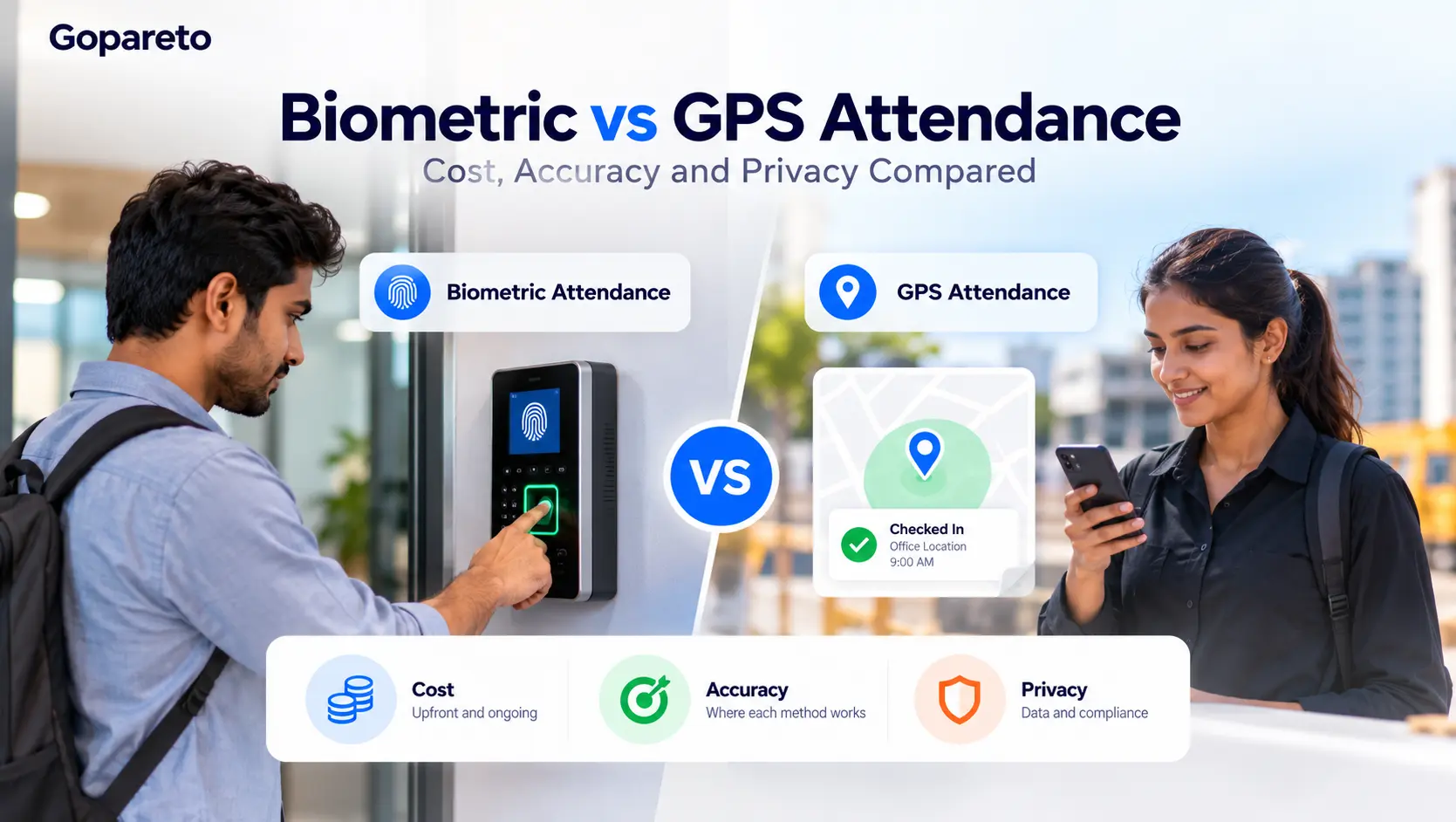
Choosing attendance management software sounds simple until you have to pick how employees will actually mark attendance. A fingerprint machine at the office door? Or an employee attendance app that checks location on their phone?
For a small business in Pune with a factory floor, a sales team on the road and a few people working from home, the answer is rarely obvious. Each method costs money in a different way, fails in different situations and collects a different kind of personal data.
This guide compares biometric and GPS attendance on the three things owners and HR managers ask about most: cost, accuracy and privacy. By the end, you will know which method fits your team, or whether you need both.
How Biometric and GPS Attendance Work
Biometric attendance
Biometric attendance uses a physical trait to confirm identity. The most common types are fingerprint scanners and face recognition devices, usually fixed at an entry point. The employee scans in, the device records the time, and the data syncs to your attendance records.
The key point: the employee must be physically present at the device. That makes it a natural fit for offices, factories, warehouses, clinics and retail stores.
GPS attendance
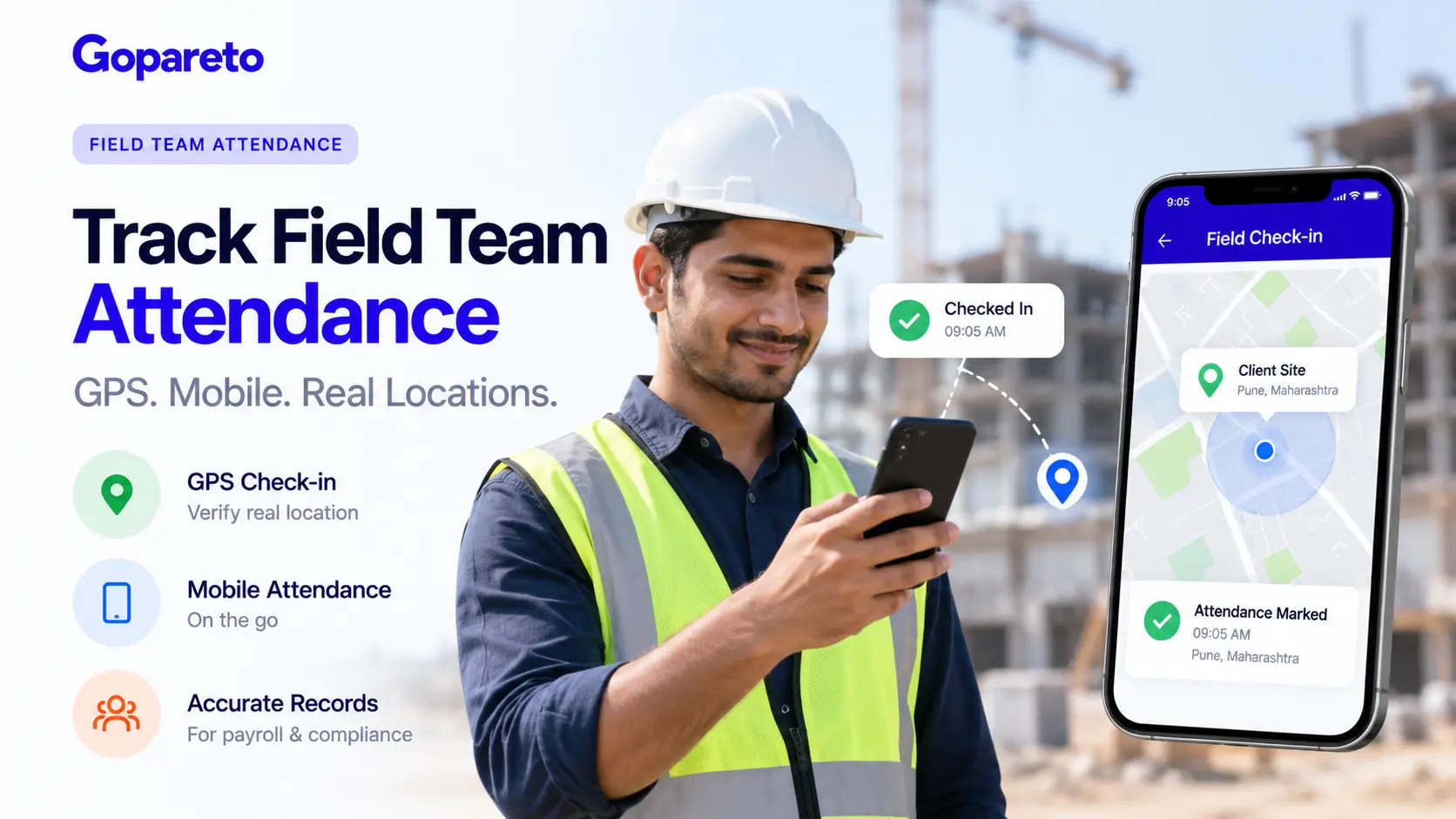
A GPS attendance app runs on the employee’s smartphone. When they tap “check in”, the app records the time and their location. Many apps also use geofencing, which means drawing a virtual boundary around a site so check-ins only count when the employee is inside it.
GPS attendance suits people who do not start their day at one fixed desk: field sales, service technicians, delivery staff, site supervisors and remote workers.
Cost Comparison: Upfront and Ongoing
Biometric attendance has a hardware cost. You buy a device for each entry point, pay for installation, and plan for repairs, power backup and eventual replacement. If you have three branches with two gates each, that is six devices, not one.
GPS attendance usually has little or no hardware cost because employees use their own phones. The spend shifts to a software subscription, often priced per user, plus the time it takes to onboard staff on the app.
A simple way to compare: count your entry points and your employees. Many entry points with few people favor GPS. One location with a large, steady workforce can make a biometric device worth it. Either way, ask for a full quote that includes software, support and any device costs before you decide.
Accuracy: Where Each Method Fails
Where biometric attendance struggles
Biometric devices are strong at stopping buddy punching, where one employee marks attendance for another. But they are not perfect. Fingerprint readers can struggle with worn, cut or wet fingers, which is common in construction, kitchens and manufacturing. Face recognition can be affected by poor lighting, masks or helmets.
And a biometric device only proves someone was at the gate. It cannot tell you where a field employee was at 11 am.
Where GPS attendance struggles
GPS readings can drift indoors, in basements and in dense areas with tall buildings. A geofence that is too small causes failed check-ins; one that is too large lets people check in from the tea stall down the road.
Location can also be faked using mock-location apps. Good employee attendance apps reduce this with checks such as selfie verification at check-in, but you should confirm what any app actually offers before relying on it.
Privacy and Compliance in India
Both methods collect personal data, so privacy is not a side issue. Fingerprints and face scans cannot be changed if they leak, unlike a password. Location data can reveal far more than attendance if it is tracked all day.
India’s Digital Personal Data Protection Act, 2023 (DPDP Act) sets rules for how businesses collect and use personal data, including consent, clear purpose and reasonable security. In practice, that means:
- Tell employees what you collect, why, and how long you keep it.
- Collect only what attendance needs. Capturing location at check-in and check-out is very different from tracking someone all evening.
- Limit who in your company can see this data.
- Store it securely and delete it when it is no longer needed.
This is general guidance, not legal advice. For a written policy, speak to a legal professional familiar with Indian data protection law.
Side-by-Side Comparison
| Factor | Biometric attendance | GPS attendance app |
|---|---|---|
| Upfront cost | Device per entry point, plus installation | Usually none; uses employees’ phones |
| Ongoing cost | Maintenance, repairs, replacement, software | Software subscription, often per user |
| Best for | Fixed sites: office, factory, store | Field, sales, multi-site and remote teams |
| Stops proxy attendance | Strong | Moderate; better with selfie checks |
| Common failure points | Worn fingers, lighting, device downtime | Weak signal indoors, fake location apps |
| Privacy sensitivity | Body data that cannot be changed | Location data that can reveal movements |
| Scales to new locations | Needs new devices | Add a geofence in the app |
Which Attendance Method Suits Your Business?
Choose biometric if your team works at one fixed site
A garment unit in Bhosari or a clinic in Kothrud, where everyone enters through the same door, gets reliable identity checks from a single device. Proxy attendance becomes much harder.
Choose a GPS attendance app if your team moves
A Pune-based distributor with sales staff covering Hinjewadi, Wakad and Chakan cannot install a device at every shop they visit. A GPS attendance app lets them check in from the first client location, and gives HR a record without daily phone calls.
Use both if your team is mixed
Many MSMEs have office staff, a production team and field staff at the same time. You can use a biometric device at the main site and GPS for everyone else, as long as all records flow into one attendance management software. Otherwise, HR ends up merging spreadsheets every month before payroll.
Common Mistakes to Avoid
- Buying hardware before choosing software. The device is only useful if its data reaches your attendance, leave and payroll records cleanly.
- Setting geofences without testing them. Walk the site with a phone first and adjust the radius.
- Tracking location all day when you only need check-in and check-out. It adds privacy risk and erodes trust.
- Skipping the employee conversation. Explain what is collected and why before rollout, not after a complaint.
- Ignoring exceptions. Plan for a dead phone, a failed fingerprint or a power cut, with a simple approval process for manual corrections.
A Quick Checklist Before You Choose
- How many locations and entry points do you have?
- What share of your team works away from a fixed site?
- Do employees have smartphones they are willing to use for work?
- Does attendance connect to leave, timesheets and payslips in the same system?
- Can you control who sees attendance and location data?
- Have you written a short attendance and data policy for staff?
Where Gopareto Fits
Whichever method you lean towards, the bigger win usually comes from what happens after attendance is marked. Gopareto is a business management platform built for SMEs and MSMEs. It brings employee attendance tracking together with leave management, task management, timesheets, invoicing, business reports and payslip generation.
Customizable permissions let you decide who can view or edit attendance records, which also supports the privacy practices above. Instead of copying attendance into a separate payroll sheet, your data stays in one place from check-in to payslip. To confirm which check-in methods suit your setup, it is worth exploring the platform or speaking with the Gopareto team.
Frequently Asked Questions
Is biometric attendance more accurate than GPS attendance?
Can employees fake attendance on a GPS attendance app?
Is it legal to collect fingerprints or location data for attendance in India?
Which is cheaper for a small business?
Can I use biometric and GPS attendance together?
Does attendance software help with payroll?
Conclusion
Biometric attendance works best where everyone shows up at the same door and you need firm identity checks. A GPS attendance app works best when your people are spread across sites, roads and homes. Many Indian MSMEs will benefit from a mix of both.
Whatever you choose, keep the data limited, explain it openly to employees, and make sure attendance flows into leave, timesheets and payslips without manual copying. The right attendance management software turns daily check-ins into records you can actually use.
If you want attendance, leave, timesheets and payslips managed from one platform, explore Gopareto and see how it fits the way your business runs.
Visit Us
GoPareto - Simple & Complete Business Management solution, Omkar Nandan Apartment, A1 201, near Navale Bridge, Kudale Baug, Narhe, Pune, Maharashtra 411041.
Related Blogs