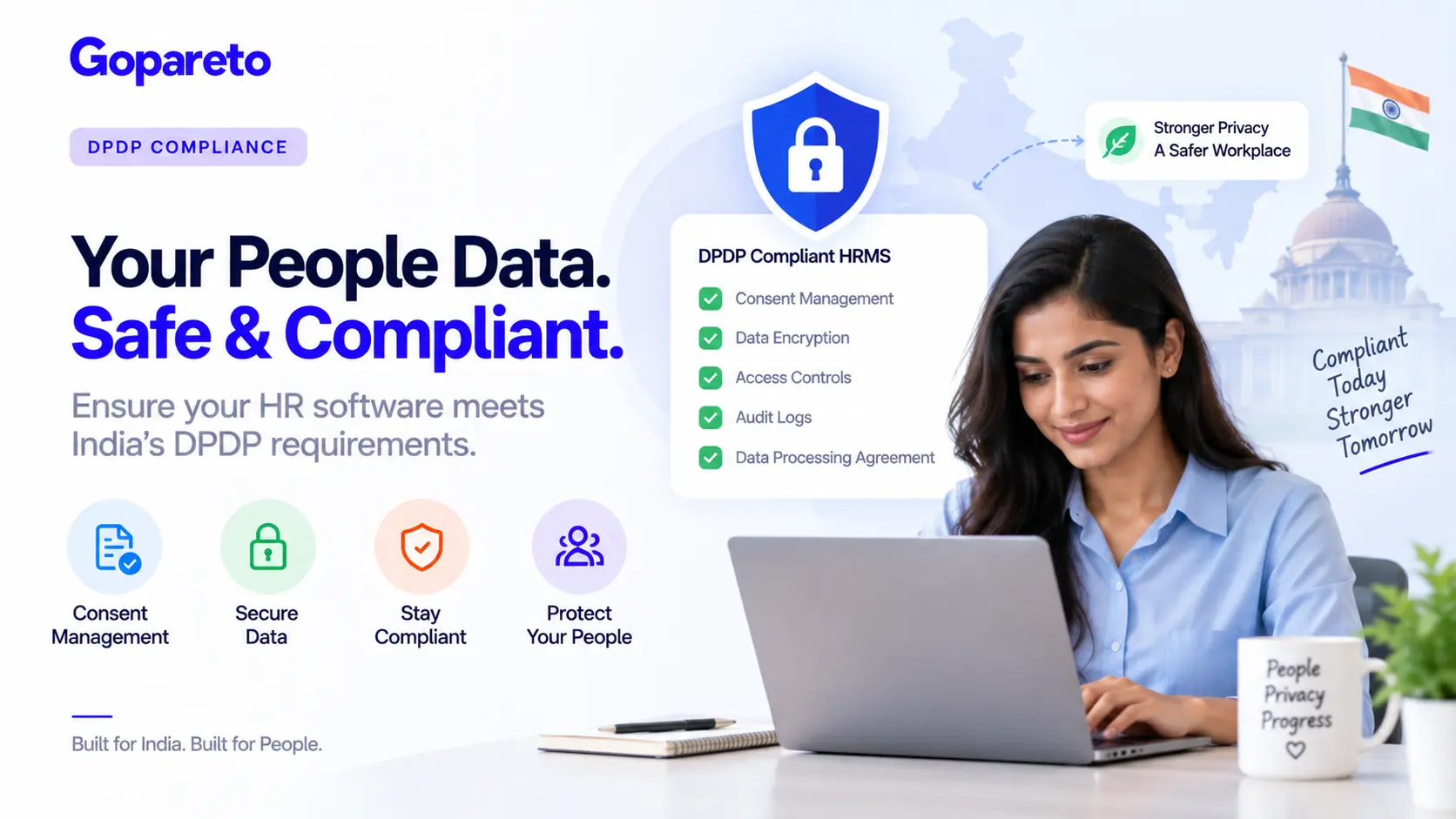
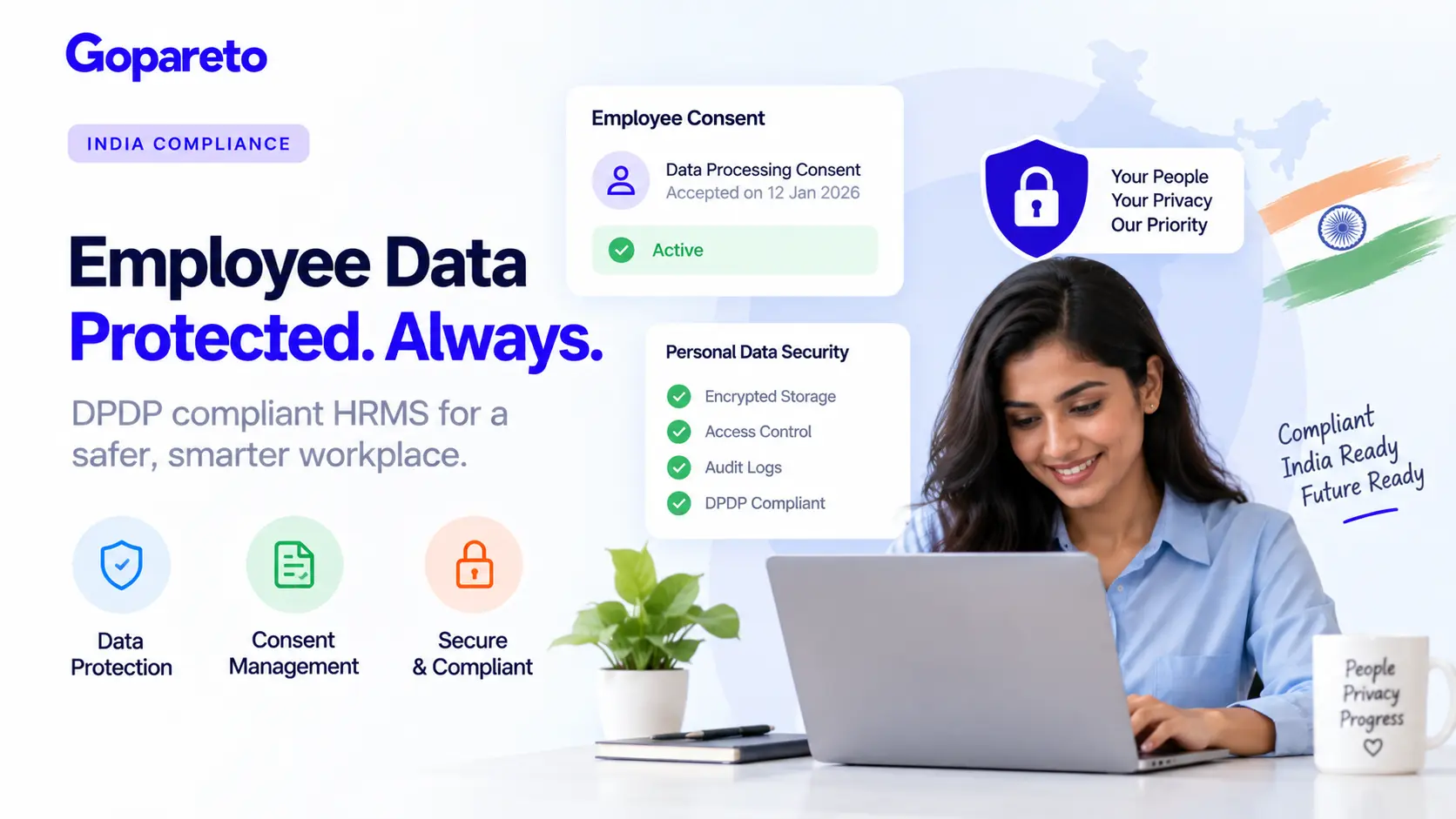
Employee Data Protection: DPDP Act Compliance for Indian Businesses
September 16, 2026 | By Gopareto Marketing
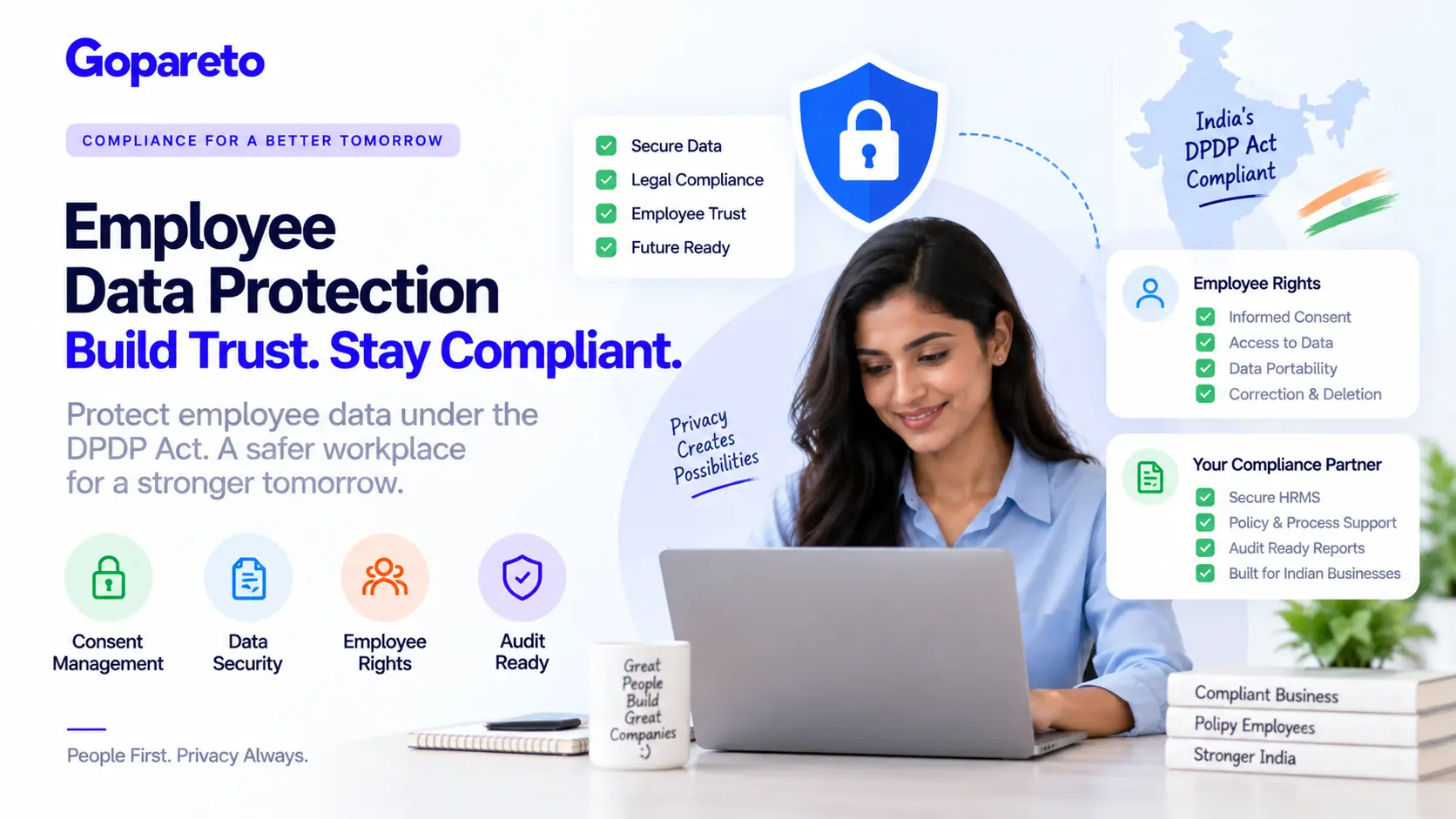
Your employees trust your company with deeply personal information—names, addresses, bank details, health records, family information and performance evaluations. Under India’s Digital Personal Data Protection Act, protecting this data isn’t just good practice, it’s a legal mandate.
But employee data protection goes deeper than securing servers. It’s about understanding what data you can collect, how employees control their information, and what happens when they leave.
This guide explains employee rights under DPDP, shows how to structure data collection responsibly, and gives you a practical compliance roadmap.
Employee Rights Under DPDP
The DPDP Act gives employees five critical rights over their personal data. As an employer you need to understand and respect them, or face regulatory action.
Right 1: Informed Consent
Employees have the right to know what data you’re collecting and why, before you collect it. Before asking for health information, biometric data or family details, you must clearly explain:
- What data you’re collecting
- Why you need it
- How you’ll use it
- How long you’ll keep it
- Who will have access to it
Common mistake: collecting “optional” data on employment forms without explaining the purpose. An employee ticks yes to sharing emergency contact information without realising it will sit in your database permanently.
Right 2: Access to Their Data
An employee can ask to see everything you hold about them. You must provide personal data, work history, performance data, attendance records, training history and anything else stored—typically within 30 to 45 days.
Most manual systems cannot easily pull every record about one person. HRMS platforms with proper search and export make this simple.
Right 3: Data Portability
Employees can request their data in a portable, machine-readable format such as CSV, JSON or PDF, and take it elsewhere. DPDP wants to prevent lock-in: employees shouldn’t feel trapped by data that exists only in your HR system. If your HRMS cannot export in portable formats, that’s a major compliance gap.
Right 4: Correction and Erasure
Employees can request corrections to inaccurate data and deletion when data is no longer needed. If an employee says their address is wrong, you update it immediately. If a former employee asks for performance evaluations to be deleted and the retention period has passed, you cannot legally refuse.
Many companies keep decades of employee files “just in case.” DPDP says you can’t. You need defined retention periods and you must actually delete data when they expire.
Right 5: Withdrawal of Consent
If an employee consented to optional data collection, they can withdraw that consent at any time. Someone who agreed to biometric attendance tracking in 2024 can ask you to stop in 2025, and you must stop immediately—though you may keep historical data for legitimate business reasons. Your HRMS must flag withdrawals, or you’ll keep processing data illegally.
How to Structure Data Collection Compliantly
Step 1: Categorise Data by Type
Not all personal data is equal under DPDP, and you can’t treat it all the same way.
Essential: collect freely
- Name, employee ID, hire date, role, department
- Contact information for work purposes
- Salary and payment details
Standard: requires consent
- Attendance and leave records
- Performance evaluations
- Training history
- Work-related health information
Sensitive: requires explicit consent
- Health information such as disabilities or medications
- Biometric data: fingerprints, facial recognition
- Family information: emergency contacts, dependants
- Religion or cultural data collected for diversity programmes
- Banking details beyond payroll
Step 2: Document a Legitimate Purpose
For every field, document why you need it:
To calculate payroll and track leave compliance.
To assess job performance and plan career development.
To verify attendance and prevent time theft.
If you can’t articulate a legitimate business purpose, you shouldn’t be collecting the data.
Step 3: Create Consent Workflows
A documented consent flow
- The employee receives a clear notice naming the data type and the purpose
- The employee indicates consent by checkbox, signature or digital acknowledgment
- The system records the timestamp, what was consented to and who approved it
- The employee retains the option to revoke consent at any time
A weak approach is an email asking “is it OK if we collect biometric data?” with a reply-email response and no audit trail. A strong approach is an HRMS portal notification with explanation, a timestamped checkbox, and an audit trail showing the confirmation.
Step 4: Set Retention Periods
| Data type | Typical retention | Reason |
|---|---|---|
| Payroll records | 7 years | Tax compliance |
| Attendance logs | 2 years | Operational history |
| Performance evaluations | 5 years | Career history |
| Exit interviews | 3 years | Knowledge retention |
Document these in your HR policies, then enforce them in your HRMS through automatic deletion.
Step 5: Define Data Access Controls
- HR manager: all employee personal data
- Direct manager: only their team’s attendance and performance
- Finance: only payroll-related data
- CEO: only aggregated, anonymised reports
Use role-based access control and the principle of least privilege: people see only the data their job requires.
Security Measures for Employee Data
Collecting data compliantly is half the battle. Protecting it is the other half.
Encryption in transit
- TLS 1.2 or higher on all connections
- HTTPS for all web access, never plain HTTP
- VPN for remote access
Encryption at rest
- AES-256 on the database
- Sensitive fields such as bank account numbers encrypted individually
- Encryption keys managed securely
Access logging
- Who accessed it, by user ID
- What data they accessed, by field
- When, by timestamp
- What they did: viewed, exported, edited or deleted
Backups
- Daily incremental backups
- Weekly full backups
- Copies stored in a geographically separate location
- Test restores quarterly
If you use a cloud HRMS, your vendor’s security becomes your security. Verify ISO 27001 certification, request the SOC 2 Type II report, check incident response procedures, understand disaster recovery, and confirm the vendor is DPDP-compliant. The question worth asking: “what happens to our data if your company has a breach?”
Our guide to auditing HR software for DPDP compliance has the full vendor checklist.
Data Minimisation: Collect Only What You Need
DPDP follows a principle called data minimisation—collect the minimum data necessary for your purpose. The common mistake is requesting exhaustive information during onboarding just in case you might need it someday.
What over-collection looks like
- Full address history
- Phone, email and LinkedIn profile
- Education history going back 20 years
- Previous employment going back 30 years
- Family names and ages
- Vehicle information and social media handles
What proportionate collection looks like
- Current address, for legal and payroll purposes
- Work phone and email for job communications
- Relevant education for qualification verification
- Previous employment, last five years, for references
- One or two emergency contacts
- Health insurance beneficiaries for benefits administration
For each field ask: do we absolutely need this for them to do their job? If the answer is no, remove it.
Handling Employee Data After Termination
This is where many companies get DPDP wrong.
Immediate Actions at Exit
- Disable system access
- Revoke data access permissions
- Retrieve company devices
- Document final pay and benefits status
What Happens to Each Data Type
| Data | Handling after exit |
|---|---|
| Personal data such as home address and emergency contacts | Usually deleted immediately |
| Payroll data: salary history, tax forms | Retain 7 years for tax compliance |
| Attendance records | Retain 2–3 years, then delete |
| Performance evaluations | Often 3–5 years, depending on policy |
| Medical and health data | Delete after 2 years where legally permitted |
Former employees keep their DPDP rights: access to data you still hold, correction of inaccurate data, and deletion once retention expires. Some data must be kept regardless—payroll records for tax, stock option records while options are vested, anything under legal hold during pending litigation.
DPDP Compliance Checklist for HR
Before data collection
- Identify the legitimate business purpose for this data
- Confirm the retention period before collecting
- Create a consent form if the data is sensitive
- Brief employees on why you’re collecting it
During storage
- Verify data is encrypted in transit and at rest
- Confirm only authorised people have access
- Check that access is logged
- Ensure data is backed up regularly
Handling access requests and deletion
- Respond to employee data requests within 30 days
- Verify the request comes from the employee or an authorised person
- Compile everything you hold and deliver it in a portable format
- Before deleting, confirm the retention period expired and no legal hold exists
- Delete from all systems and backups, and log the deletion
Security incidents
- Assess the scope of exposure as soon as unauthorised access is found
- Notify affected employees within three days
- Report to the DPDP authority if the incident is serious
FAQ: Employee Data Protection
Only with a documented retention purpose. If your period is five years and the evaluation is six years old, it must be deleted.
You can’t process that data without consent unless it is strictly necessary for employment—and you can’t punish them for refusing.
Yes, but only under a signed Data Processing Agreement, which makes the vendor responsible for protecting it.
Report it to affected employees within three days, and to the DPDP authority if serious. Document your incident response.
Conclusion
Employee data protection under DPDP isn’t just about legal compliance—it’s about respecting employee privacy and building trust. Employees who know their data is protected are happier, more engaged and more likely to stay.
Collect only what you need, get explicit consent, secure everything properly and respect employee rights. You’re not just avoiding penalties; you’re building an ethical HR practice that attracts and retains talent.
Ready to protect employee data properly?
How GoPareto Helps
- Consent captured, timestamped and revocable in the system
- Role-based access so people see only what their job needs
- Retention periods enforced per data type, with automatic deletion
- Self-service data export for employees, in portable formats
See the wider picture in our India labour law compliance guide.
Request a DemoVisit Us
GoPareto - Simple & Complete Business Management solution, Omkar Nandan Apartment, A1 201, near Navale Bridge, Kudale Baug, Narhe, Pune, Maharashtra 411041.
Related Blogs