Employee Onboarding Software for Small Businesses: Ditch the Paper Forms on Day One
October 23, 2026 | By Gopareto Marketing
In many small businesses, a new hire’s first day still starts with a clipboard. Joining forms, ID photocopies, bank details written by hand, and a signature in the attendance register. By lunch, the new employee is bored and the office manager is buried in files.
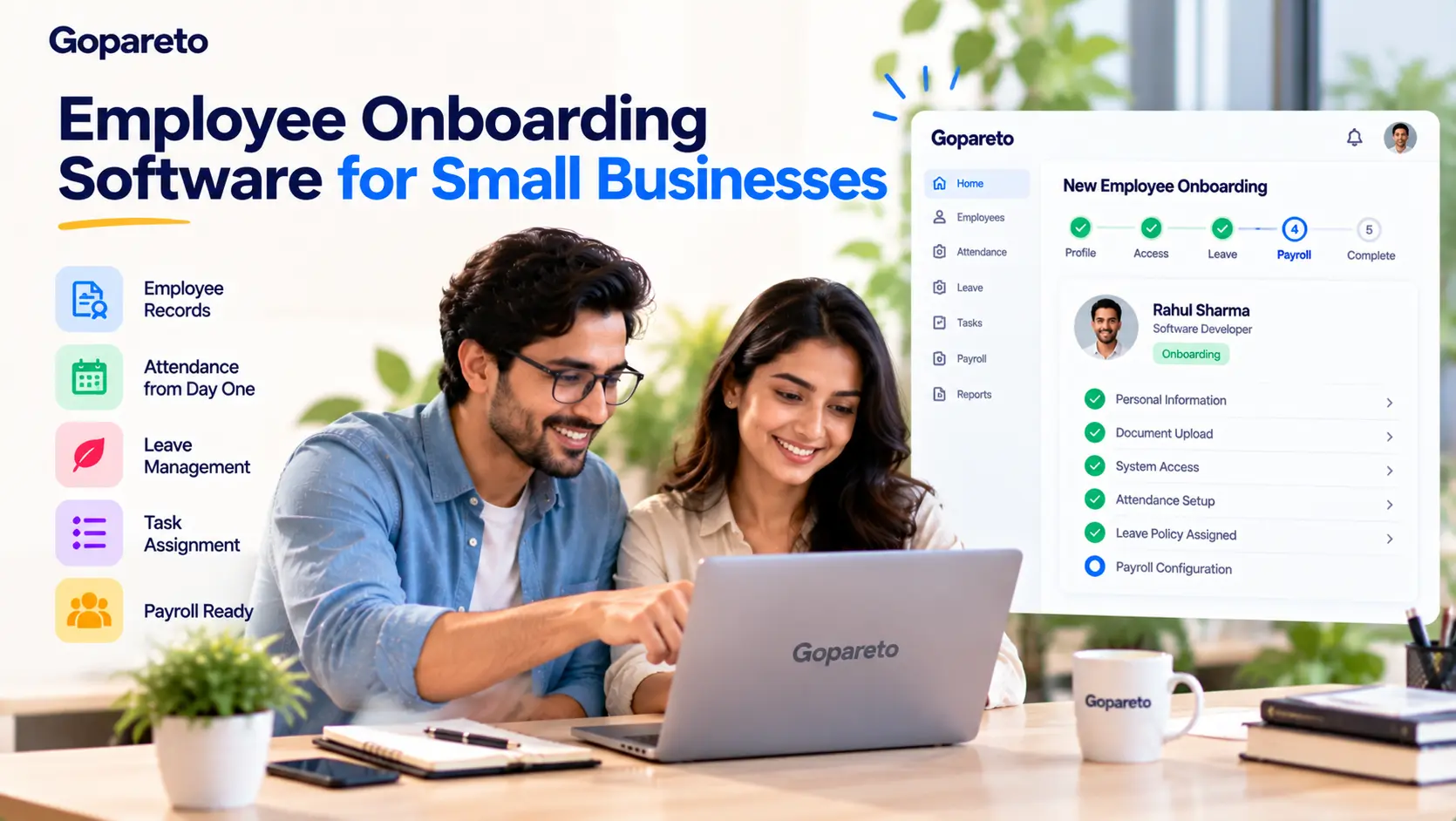
Employee onboarding software replaces that pile with a simple digital process. This guide explains what onboarding tools do, which features matter for MSMEs, a practical day-one checklist, common mistakes to avoid, and how Gopareto helps new employees start working in your daily systems from the first day.
Why Paper Onboarding Holds Small Businesses Back
Paper feels easy until five people join in the same month. Forms go missing, details are copied wrongly into payroll, and nobody is sure whether the new hire was given access to the right systems.
Most MSMEs do not have a full-time HR team. In a 20-person firm in Pune, the owner or office manager usually handles joining formalities between other work. That is where mistakes creep in: a wrong bank account on the first payslip, a missing leave balance, or a new employee marked absent because nobody added them to attendance.
| Area | Paper onboarding | Employee onboarding software |
|---|---|---|
| Employee details | Handwritten, retyped later | Entered once, used everywhere |
| Attendance | Register signature | Digital or mobile check-in |
| Leave rules | Explained verbally | Visible to the employee |
| Access | Shared passwords or full access | Role-based permissions |
| Records | Files in a cupboard | Searchable and backed up |
What Is Employee Onboarding Software?
Employee onboarding software is a digital tool that helps you bring a new hire into your company in an organised way. Information is captured once and then used across HR tasks like attendance, leave, and payroll.
Employee onboarding platforms come in two broad types. Some are dedicated onboarding apps. Others are business management tools that cover the systems a new hire uses every day. For small businesses, the second type often makes more sense because you avoid paying for and switching between several separate tools.
Features to Look for in Employee Onboarding Systems
Central employee records
Each employee should have one profile with their role, reporting manager, and joining details. This stops the same data from being typed into three different places.
Attendance from day one
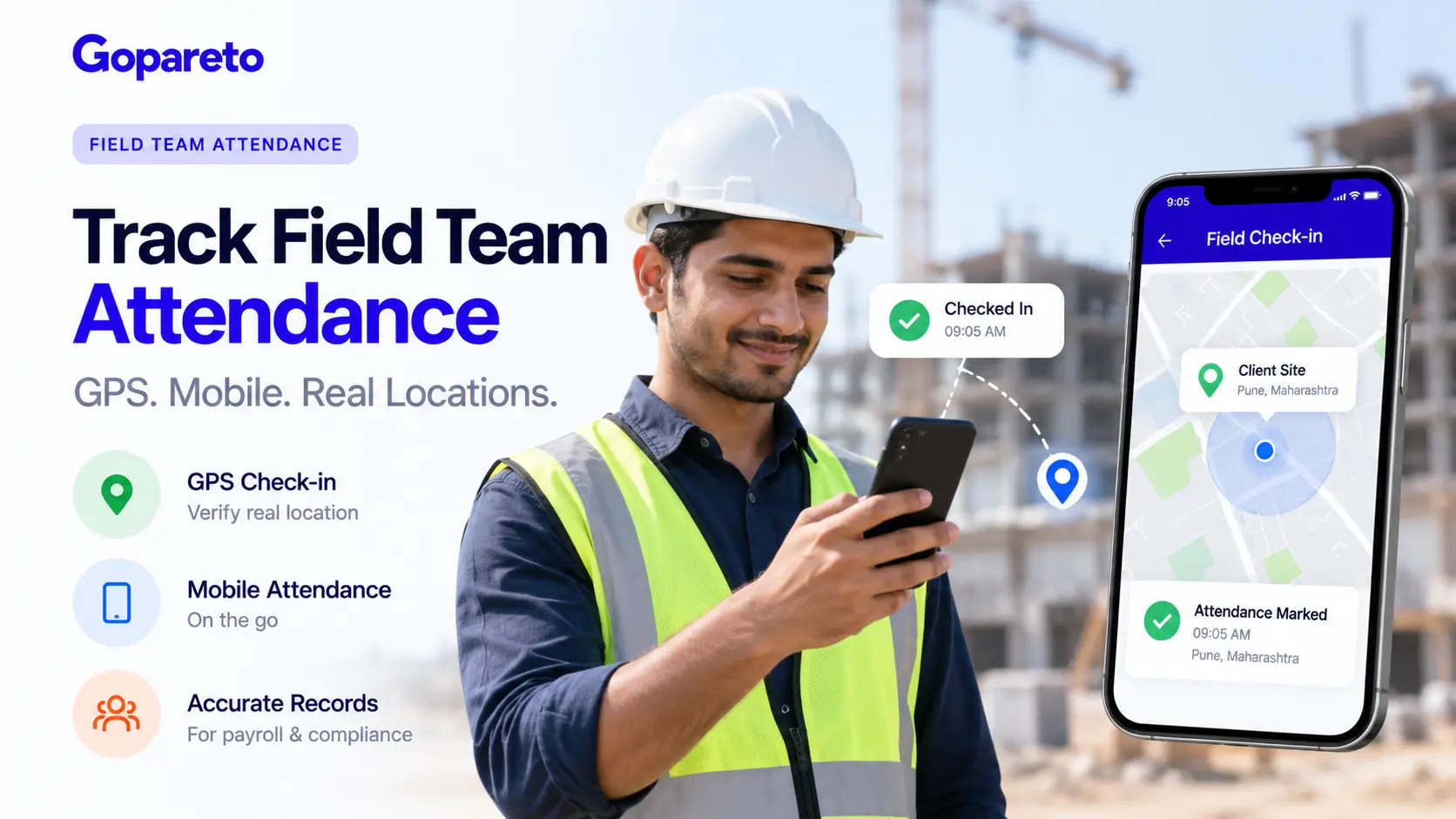
The new hire should be able to mark attendance on their first day. For field or sales staff, mobile check-in with location tracking saves a lot of back-and-forth.
Clear leave policies
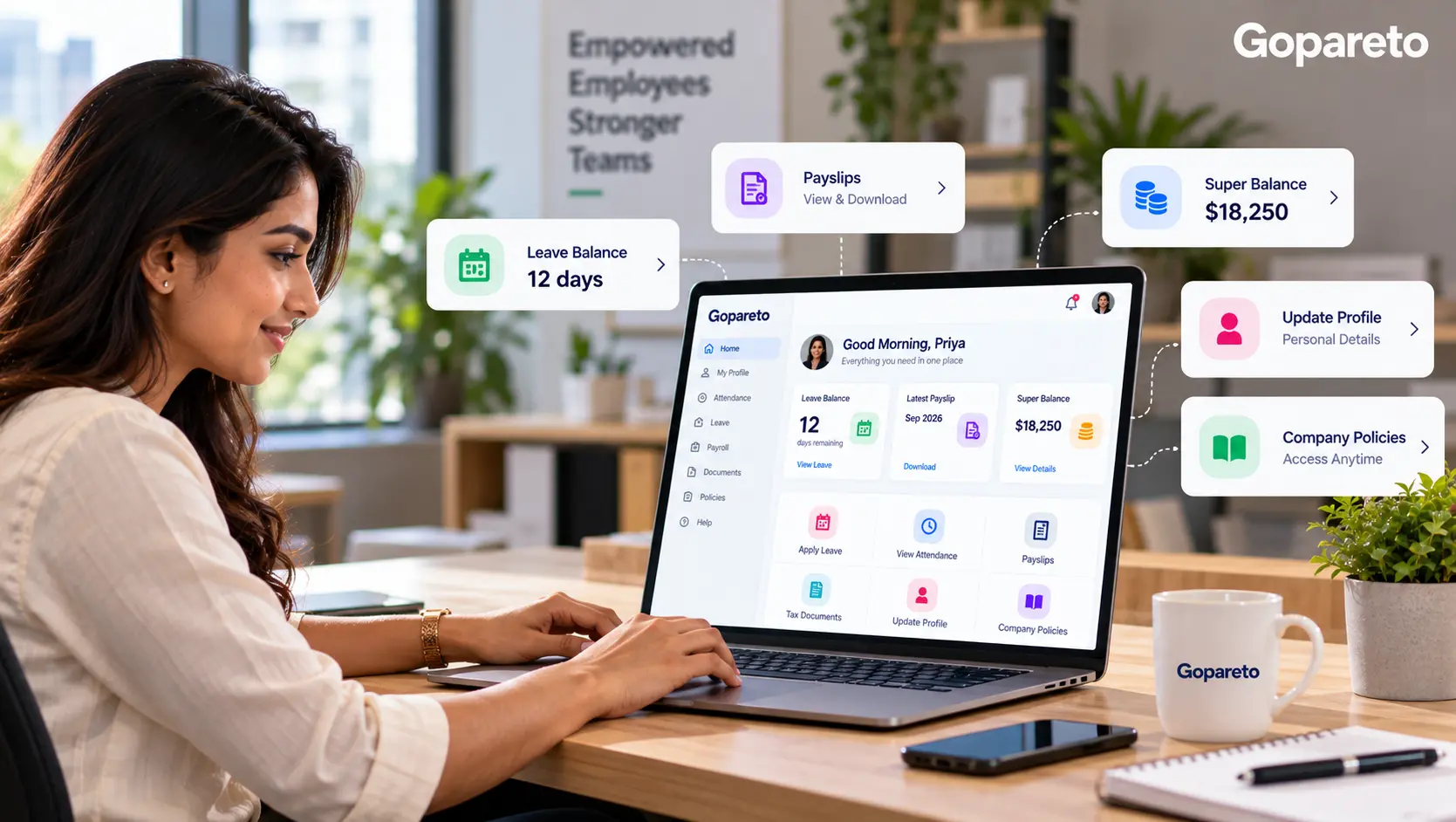
Employees should be able to see their leave balance and apply for leave without asking HR every time.
Role-based permissions
A new accountant does not need access to every report. Good employee onboarding tools let you control who sees what.
First-week tasks
Assigning a few real tasks early gives new hires direction and helps managers spot where they need support.
Payroll readiness
Salary details set up correctly at joining mean the first payslip goes out on time and without corrections.
A Paperless Day-One Onboarding Checklist
- Before the joining date, create the employee profile with role and reporting manager.
- Set access permissions based on the role, not seniority.
- Add the employee to attendance and help them install the mobile app if they work in the field.
- Assign the correct leave policy and show them where to check balances.
- Create two or three tasks for the first week.
- Confirm salary and bank details so payroll is ready for the first payslip.
- Schedule a short check-in at the end of week one and again after 30 days.
Common Onboarding Mistakes and How to Avoid Them
Treating onboarding as paperwork only.
Plan the first week of actual work, not just forms.
Giving every new hire full access.
Use role-based permissions from the start.
Setting up attendance and payroll late.
Do it before the joining date, not after the first salary cycle.
Using too many disconnected tools.
Fewer, connected systems mean fewer errors.
Stopping after day one.
Regular check-ins help new employees settle in and stay.
How Gopareto Supports Onboarding for MSMEs
Gopareto is not a standalone onboarding app. It is an all-in-one business management platform built for MSMEs, and it covers the everyday systems a new employee needs from day one.
Once a new hire is added, you can use Gopareto to:
- Track attendance, including location-based attendance through the Android and iOS mobile app
- Manage leave requests and leave policies
- Assign tasks and track timesheets
- Control access with customizable permissions
- Generate payslips automatically
- View business reports in one place
For example, a growing services firm hiring two field executives can add them, set their permissions, and have them marking attendance from their phones on the first morning, without any paper register.
Frequently Asked Questions
What is employee onboarding software?
Is there a free employee onboarding app for small businesses?
Do small businesses really need employee onboarding platforms?
What should a new employee be able to do on day one?
Can field employees be onboarded using a mobile app?
How is a business management tool different from a dedicated employee onboarding tool?
Conclusion
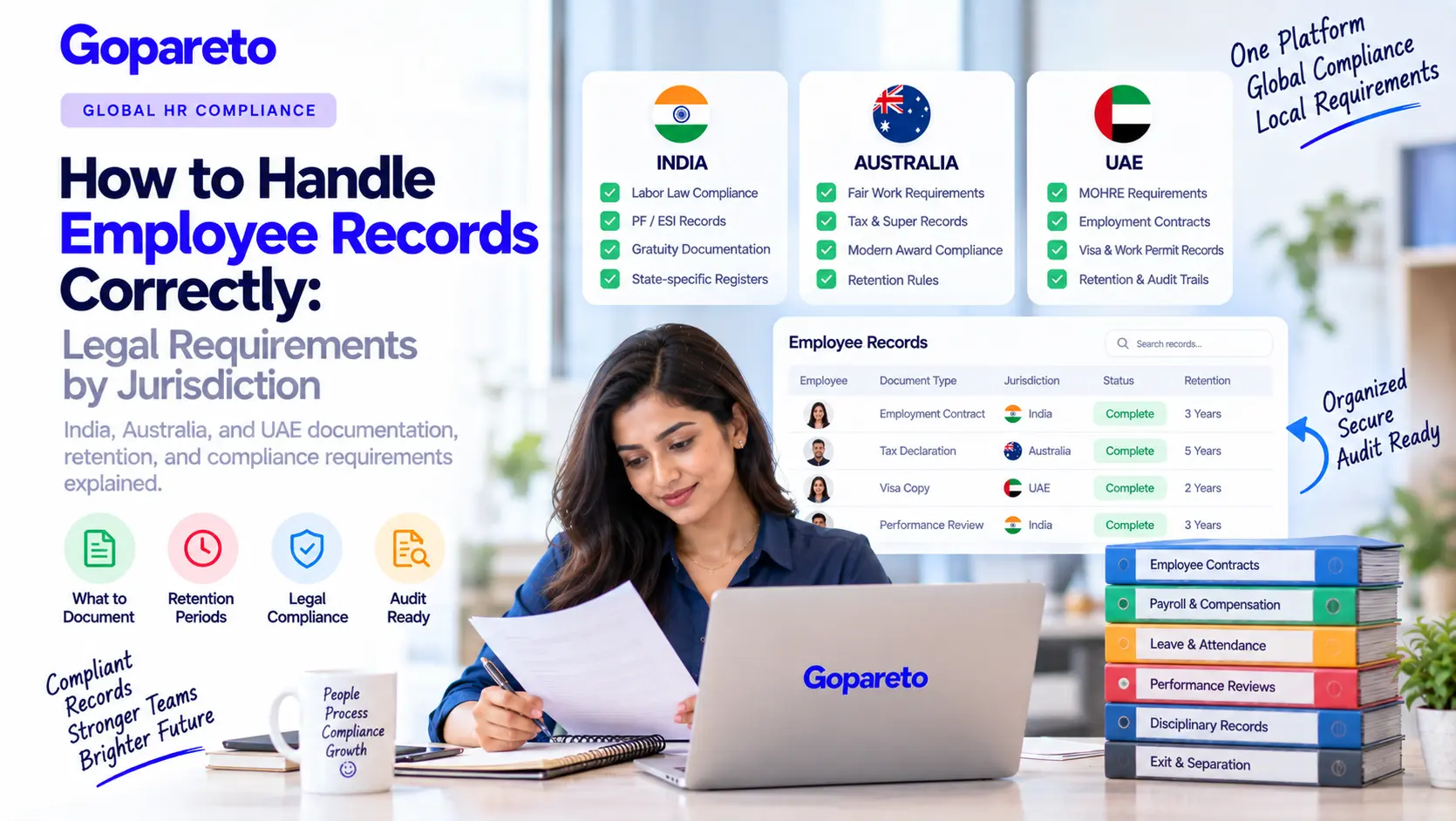
Paper forms slow down day one and create errors that show up weeks later in attendance and payroll. Employee onboarding software helps small businesses set up new hires once, correctly, and get them productive faster.
Start with a simple checklist, set role-based access, and make sure attendance, leave, and payroll are ready before the joining date. For most MSMEs, one connected platform works better than several separate tools.
Ready to make your next new hire’s first day paper-free? Explore Gopareto or start your free trial to see how it fits your business.
Visit Us
GoPareto - Simple & Complete Business Management solution, Omkar Nandan Apartment, A1 201, near Navale Bridge, Kudale Baug, Narhe, Pune, Maharashtra 411041.
Related Blogs